Change management template
Use a repeatable change management template that guides transitions, coordinates teams, and prevents missed steps during rollouts, restructures, or policy updates.
Create your templateINTEGRATED FEATURES
Recommended apps


Summary
Your team has decided to make a big change that will impact how the company operates. To keep things organized, you'll need to plan, communicate, and prepare carefully. A change management plan template can help with this process.
A change management plan template helps your team manage organizational changes consistently. In this article, you'll find out what a change management plan template is, what key parts it should have, and how to create and use one. Whether you're launching new software, reorganizing a department, or updating company policies, this template helps you cover every step.
What is a change management plan template?
A change management plan template is a prebuilt, repeatable structure that outlines the steps, roles, and communication needed to guide your team through organizational change. Instead of starting from scratch each time, you can duplicate the template and customize it for any transition, from software rollouts to policy updates.
Change management plans help teams move smoothly from one process to another, especially when changes could disrupt day-to-day operations. A template gives your team step-by-step guidance so nothing falls through the cracks.
![[Product ui] Change management plan (list)](https://assets.asana.biz/transform/78b82bed-ed22-4385-afc6-09f62a5ca84b/TG23-web-hero-036-changelog2-static-2x?io=transform:fill,width:2560&format=webp)
Key elements of an effective change management plan
A good change management plan looks beyond what is changing and when. It also considers the strategy and the people involved, which are key to making the change work. Here are the main parts your plan should have.
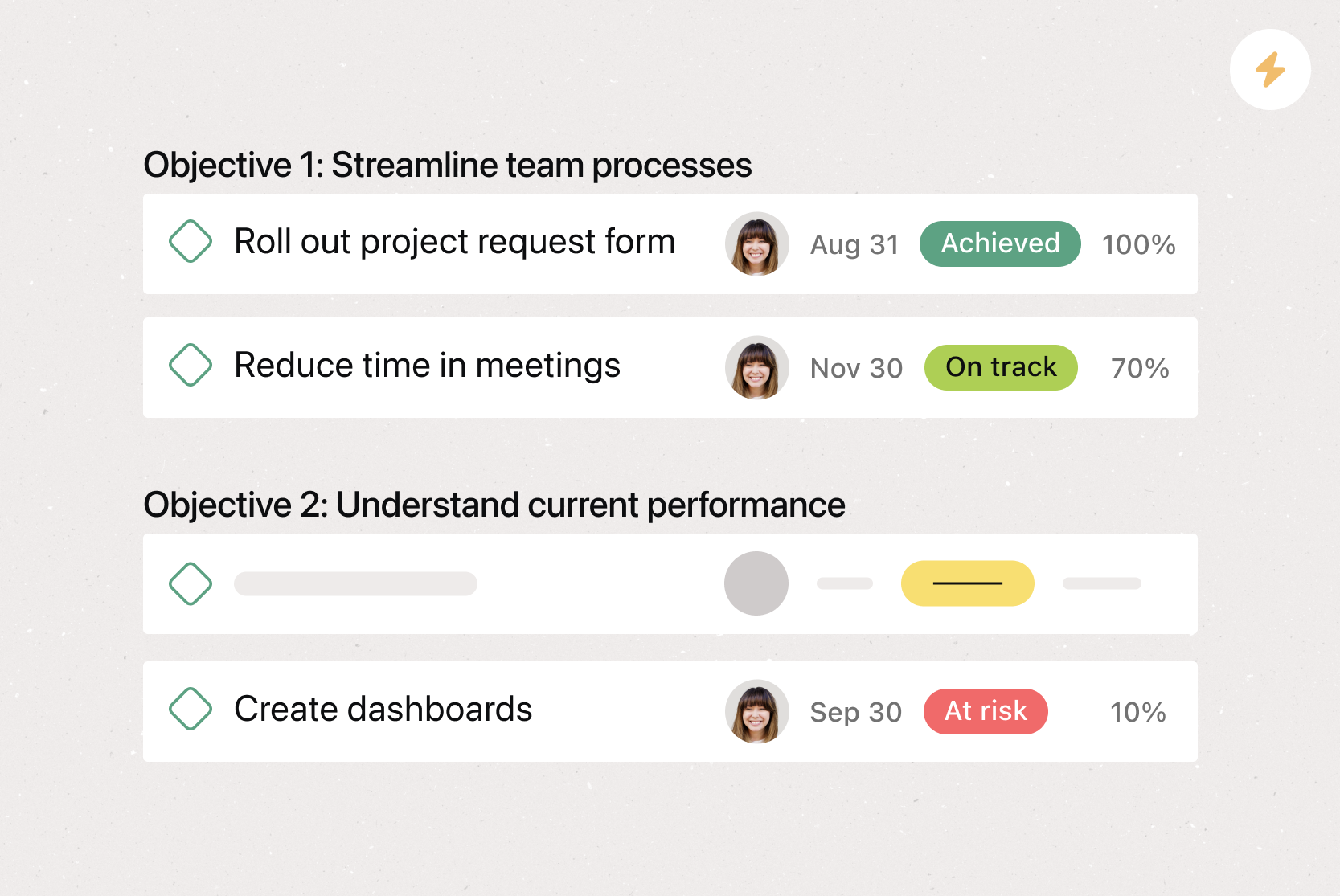
Objectives and goals define the purpose of the change and the metrics for success.
Communication strategy maps audiences, messages, timing, and channels.
Training and support prepare the team with the right skills and resources.
Timeline and milestones divide the work into phases with deadlines.
Risk management documents challenges and contingency plans.
Feedback methods give the team a way to share input during the process.
Objectives and goals
Start by defining what you want the change to achieve. Clear objectives give your team a shared understanding of why the change is happening and what success looks like. For example, if you're adopting a new project management tool, your goal might be to reduce time spent on status updates by 30% within six months.
Communication strategy
Change creates uncertainty, and uncertainty leads to resistance. A communication strategy outlines who needs to know about the change, what they need to know, when they need to hear it, and through which channels (email, team meetings, shared project spaces). Consistent, transparent communication builds trust and helps your team feel informed rather than blindsided.
Training and support
Even the best-planned change will struggle if your team doesn't know how to work within the new process. Identify what training your team needs, whether it's hands-on workshops, self-paced guides, or dedicated Q&A sessions. Assigning change champions within each team can also provide peer-level support and help everyone feel confident before, during, and after the transition.
Timeline and milestones
Map out the full timeline of your change initiative, from initial planning through to full adoption. Break the timeline into phases with milestones to measure progress along the way. A realistic timeline prevents rushed rollouts and gives your team room to adjust.
Risk management
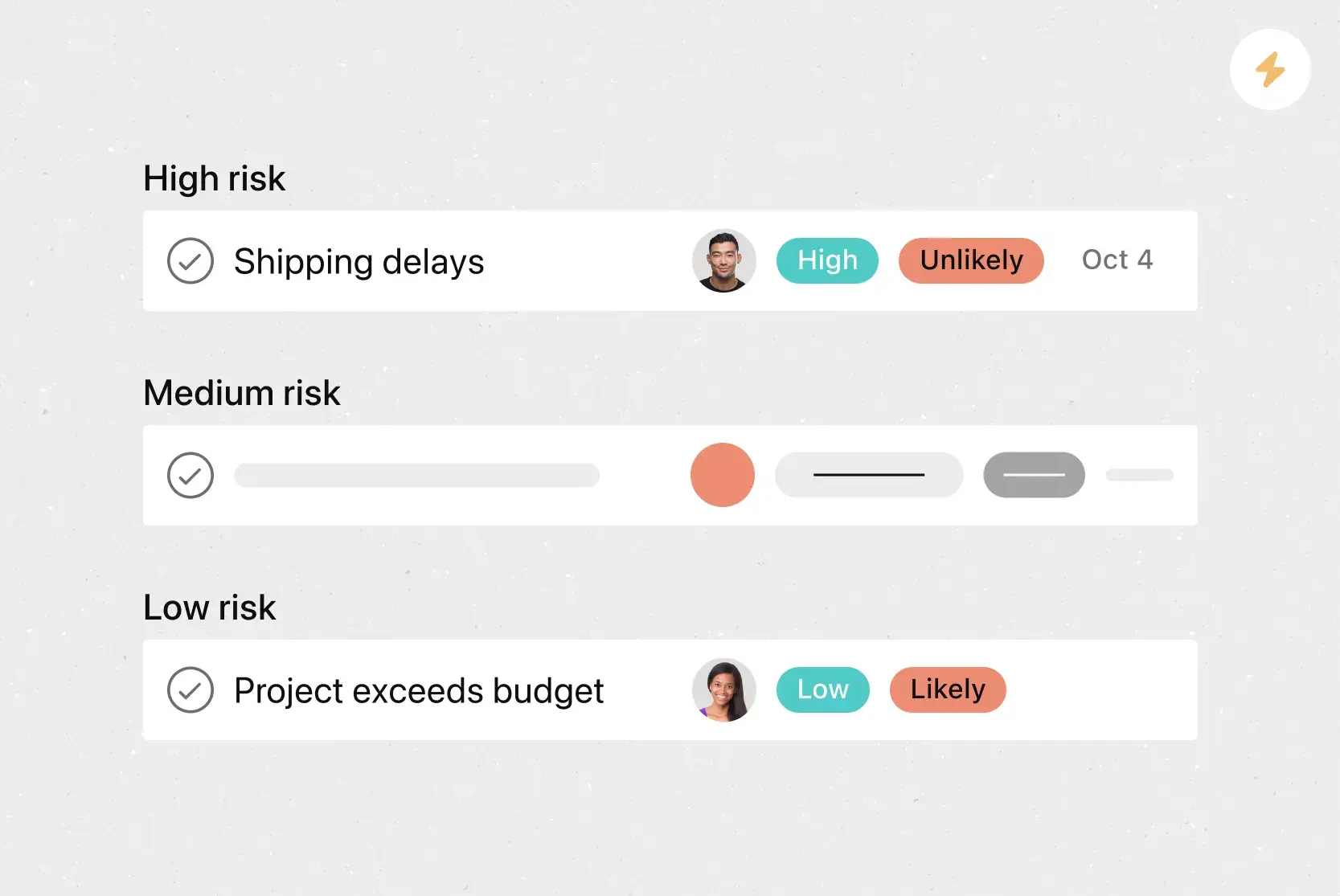
Every change comes with risks, from low adoption rates to workflow disruptions. Identify potential risks early and create contingency plans that outline what could go wrong at each phase, who would be most affected, and how you'd respond. Planning ahead helps you act quickly instead of scrambling when challenges arise.
Feedback methods
Your change management plan should allow your team to give feedback during the process. Use surveys, one-on-one meetings, or special channels in your project tool to collect input. This helps you find problems early, make quick changes, and gather useful information for future changes.
Create a change management plan templateBenefits of using a change management plan template
A change management plan template makes transitions at work easier and more predictable. Here are some ways a template can help your team:
Consistency across initiatives. A template gives your organization a standard approach to change, so every team follows the same proven process regardless of who's leading the effort.
Faster setup. Instead of building a plan from scratch each time, you can duplicate the template and customize it for the specific change, saving time during the planning phase.
Better stakeholder alignment. A structured template ensures that roles, responsibilities, and timelines are clearly defined from the start, so everyone knows what to expect and who to contact.
Reduced risk of missed steps. With a repeatable structure in place, you're less likely to overlook important elements such as communication plans, training schedules, and risk assessments.
Easier to scale. As your organization grows, you can adapt your change management plan template to accommodate larger, more complex transitions without losing structure or clarity.
How to create a change management plan
A change management plan template is a helpful tool. It helps you keep track of all the details, key people involved, and lessons learned for your next change project.
Read: Free policy and procedure plan template for any processChange management templates are best used when they're in a tool that makes it easy to replicate and apply on a project-by-project basis. Digital project management tools can make this easy; simply create the initial change management template and then duplicate it. From there, you can add all of the details that make that specific change management process unique.
When you're creating a change management plan template, it's important to include these key aspects of the project:
What's being changed? Is a primary process getting changed? Is your team switching key software? Either way, your team needs to know what's changing, so they can adjust and prepare how they work.
The status of the change. Knowing where your team is in the change management process can help other managers understand how to implement it on their own team. The plan can also help you track progress and ensure things stay on schedule.
Who is responsible for each step? If anybody has any questions about the process, there should be a dedicated point person or stakeholder responsible for each step. This helps maintain accountability and provides a point of contact for stakeholders.
When will the change take place? Knowing the timing is essential for team leads to communicate changes. This allows people adequate time to transition from the old process to the new one.
Follow these steps to create your plan:
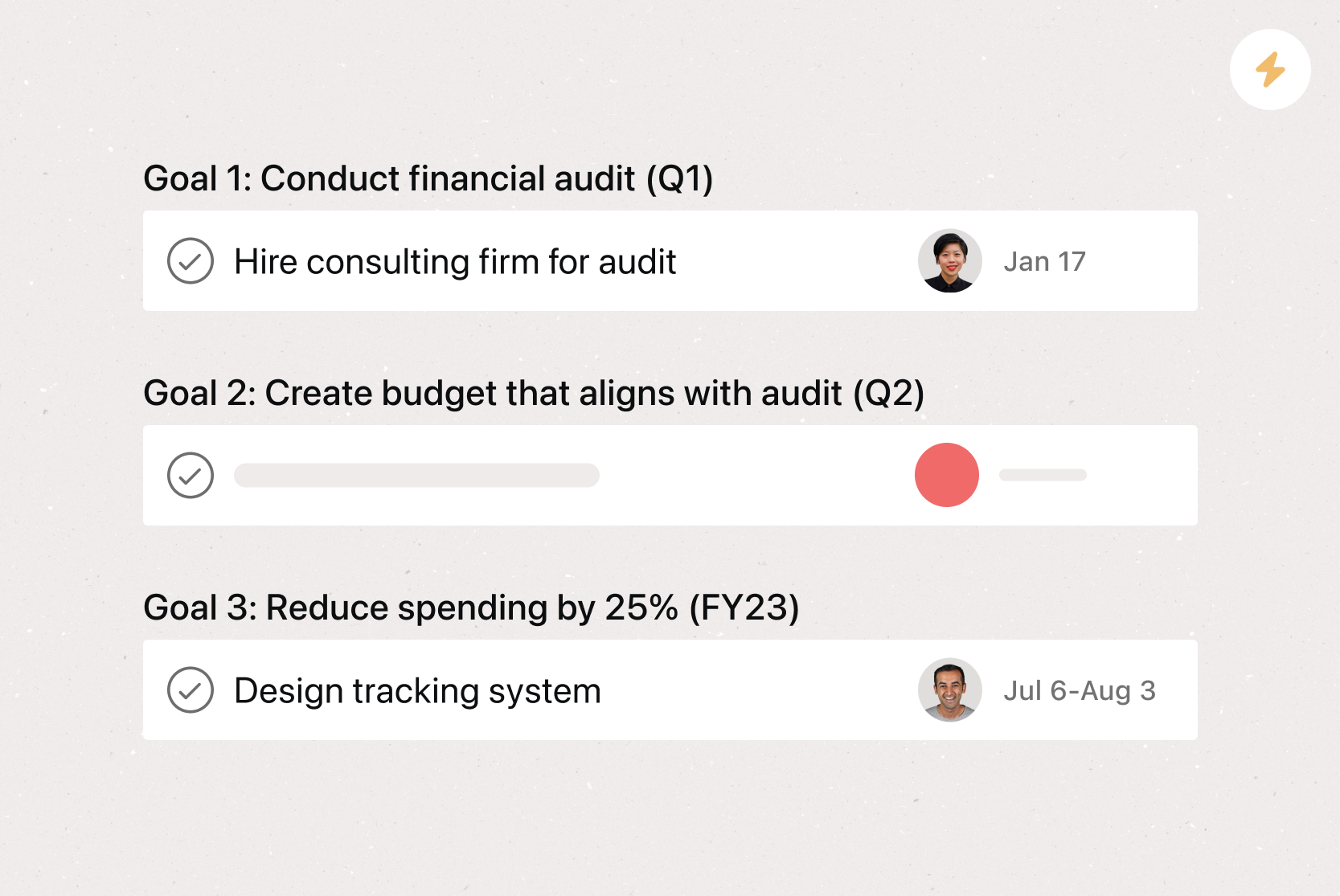
Define the change and its objectives. Clearly describe what's changing and why. Identify the goals you want to achieve and the metrics you'll use to measure success.
Identify stakeholders and assign roles. Determine who will be affected by the change, who will lead the effort, and who will serve as points of contact for each team.
Develop your communication plan. Map out how and when you'll share information about the change with different audiences. Tailor your messaging for leadership, managers, and individual contributors.
Plan training and support resources. Outline what training your team needs to adopt the new process or tool, and identify who will deliver it.
Set your timeline and milestones. Break the initiative into phases with clear deadlines. Use milestones to track progress and keep the transition on schedule.
How to use a change management plan template
Once you've built your template, put it to work at the start of every new change initiative. Your template will help you and your stakeholders identify key timing and details throughout the entire process.
Keep these best practices in mind:
Customize for each project: Use the same general structure consistently, but tailor the details (goals, timelines, stakeholders) to the specific change.
Store it in a central location: Use a collaborative project management tool so everyone on your team can access the template when needed.
Duplicate, don't start over: Copy the template for each new initiative so you preserve the proven structure while keeping a clean record of every change plan.
Manage change with Asana
Asana gives your team a central place to build, manage, and track your change management plan from start to finish. With built-in features and integrations, you can keep every stakeholder aligned, monitor progress in real time, and make sure nothing falls through the cracks during your transition. Get started with Asana to bring structure and clarity to your next change initiative.
Integrated features
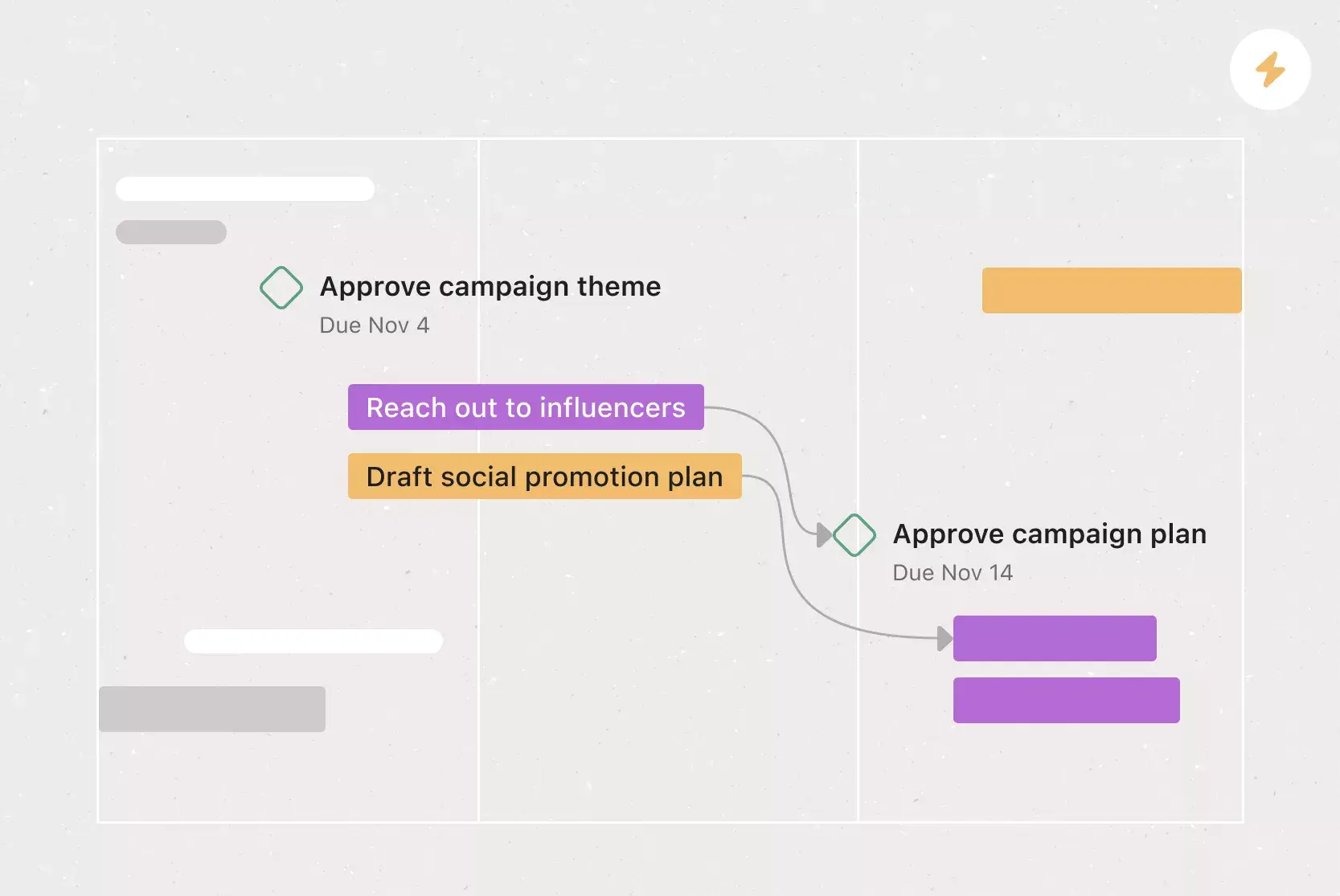
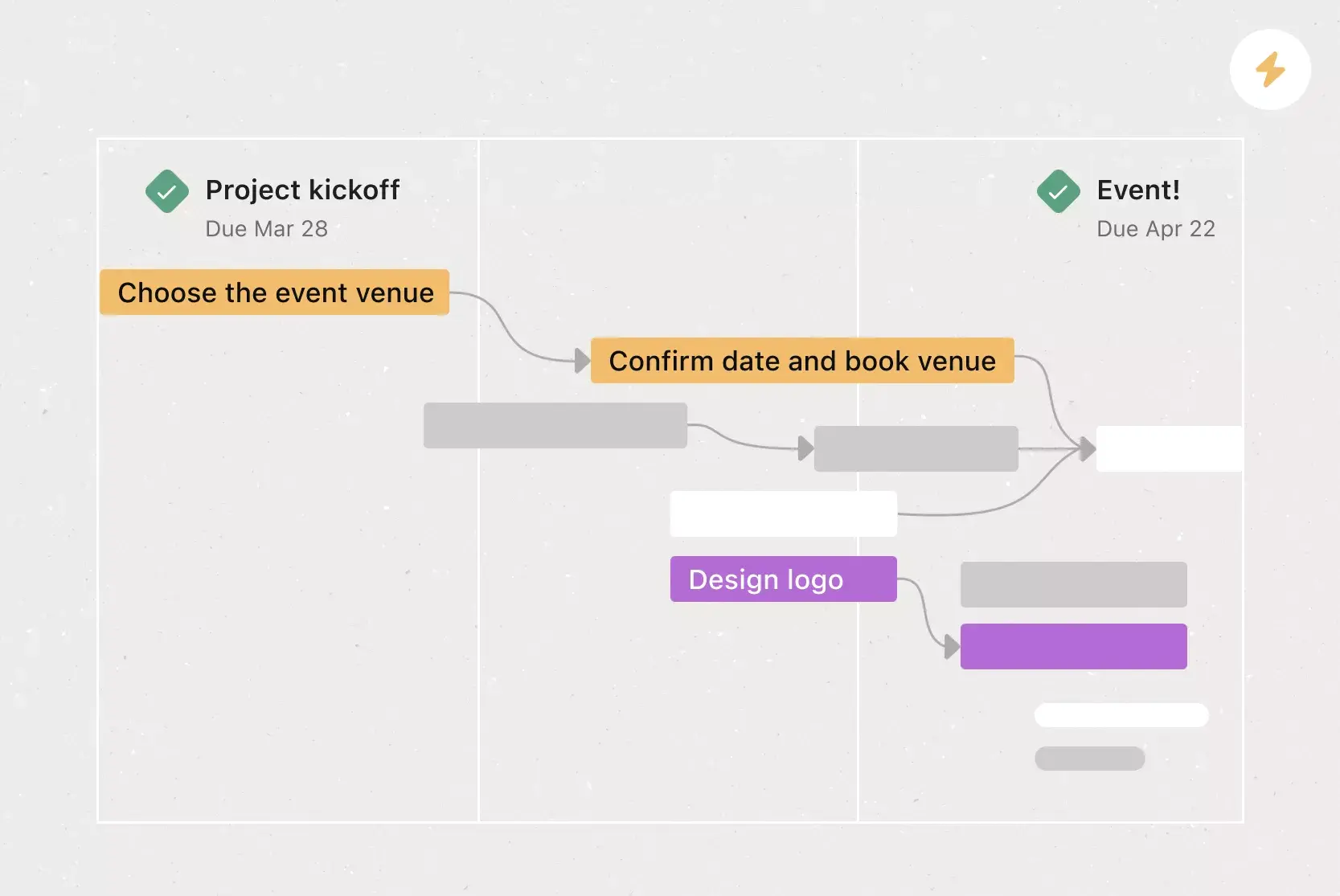
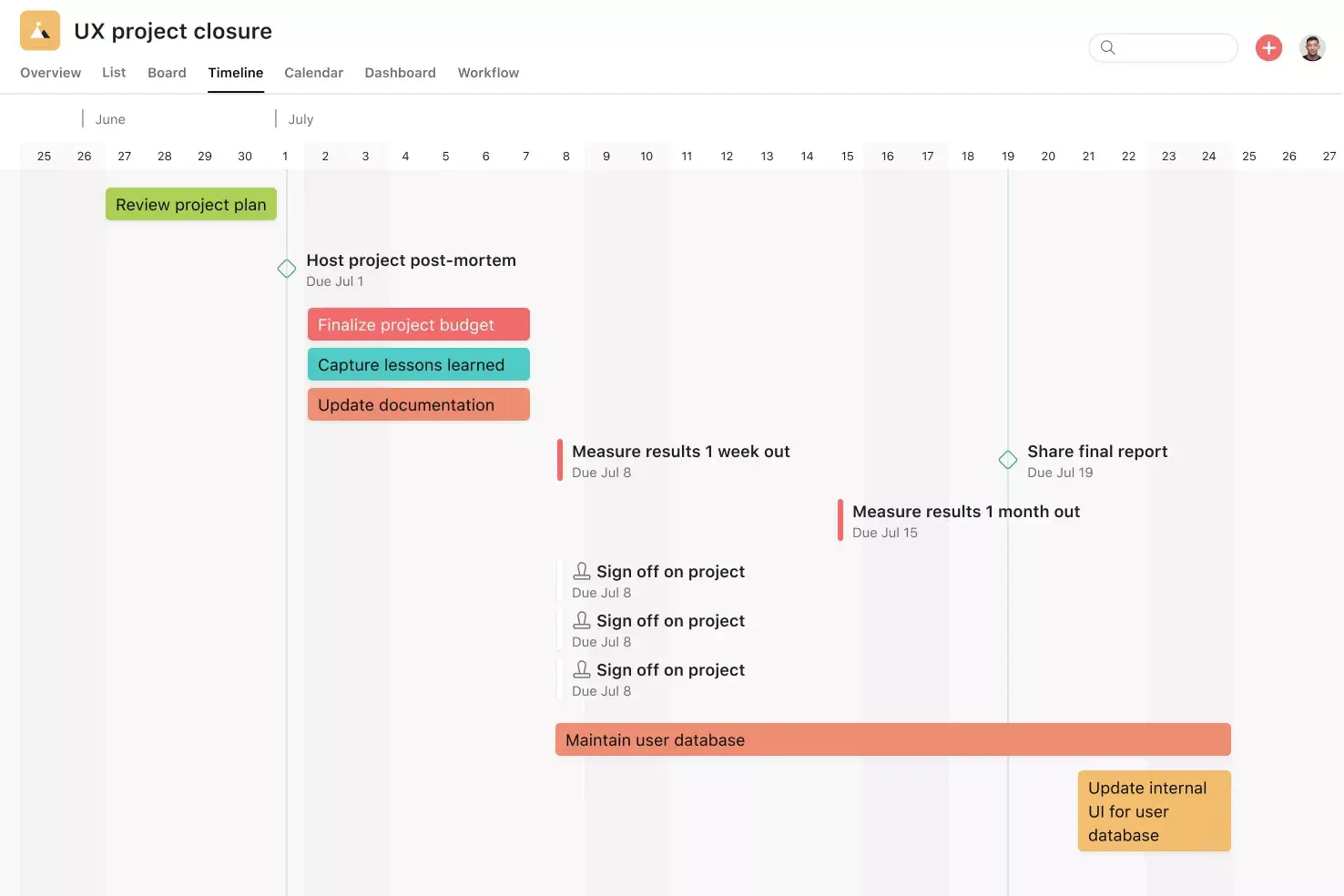
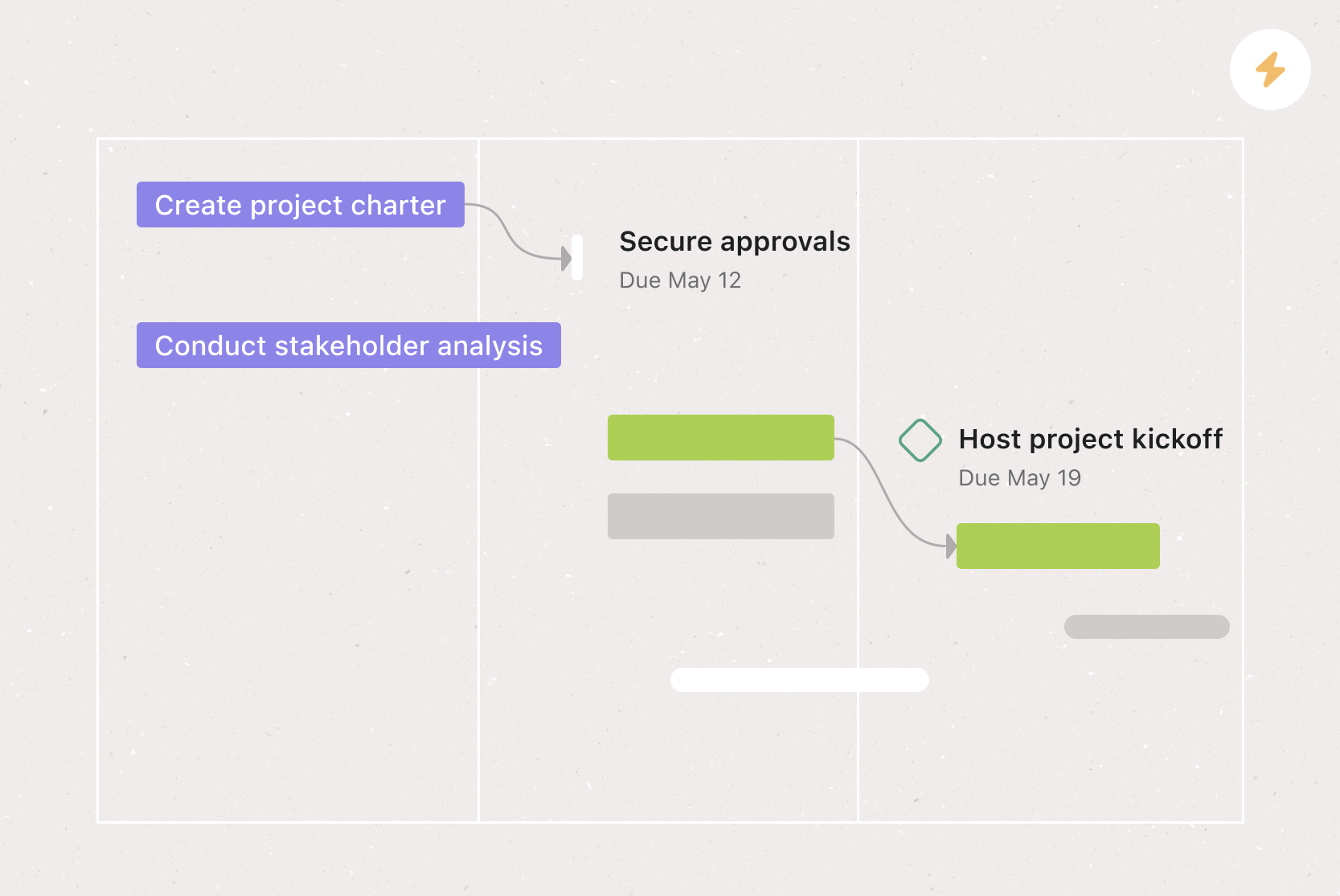
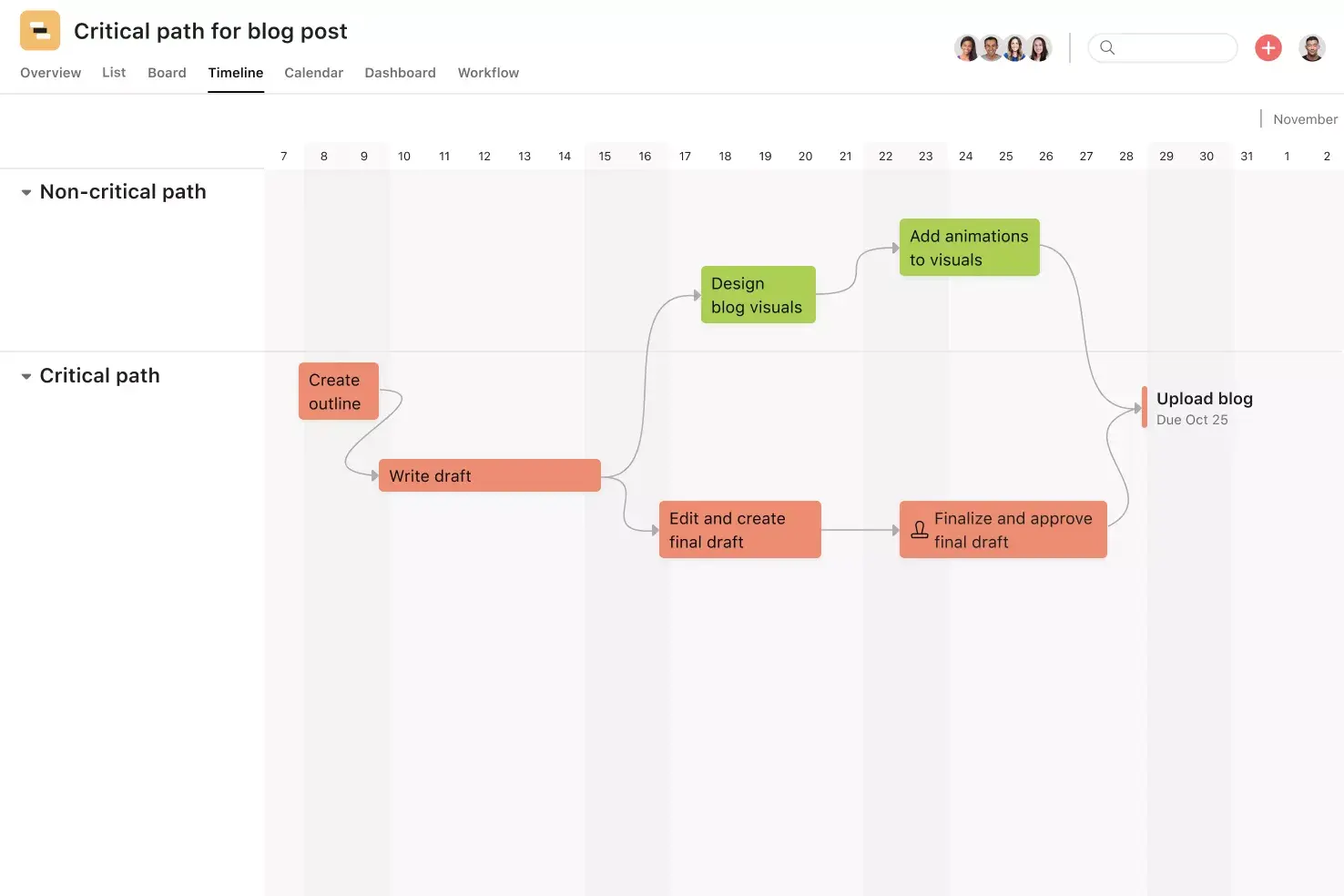
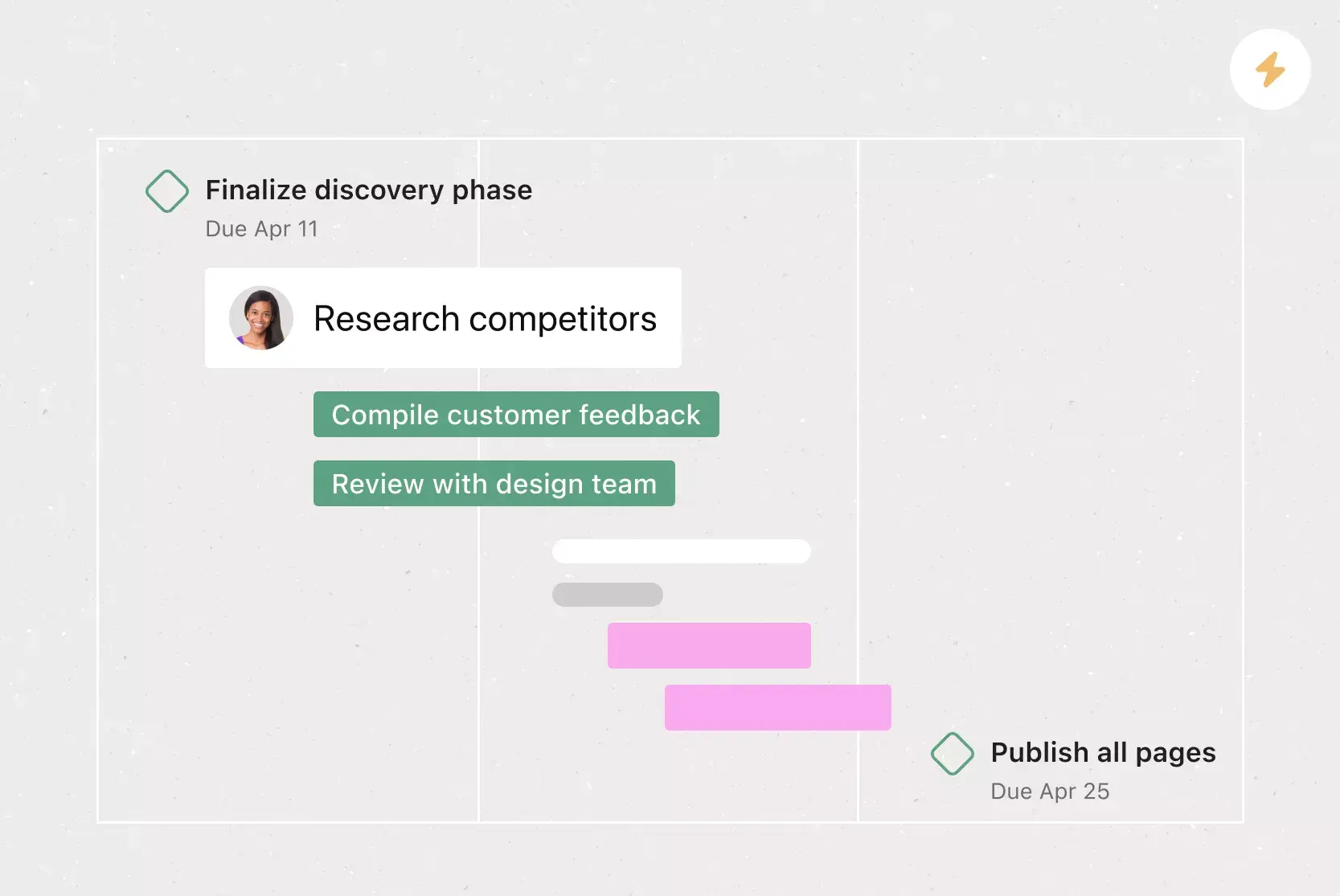
Timeline View. Timeline View is a Gantt-style project view that displays all of your tasks in a horizontal bar chart. Not only can you see each task's start and end date, but you can also see dependencies between tasks. With Timeline View, you can easily track how the pieces of your plan fit together.
Subtasks. Sometimes a to-do is too big to fit into a single task. Subtasks are a powerful way to distribute work and split tasks into individual components, while keeping the small to-dos connected to the overarching context of the parent task. Break tasks into smaller components or capture the individual components of a multi-step process with subtasks.
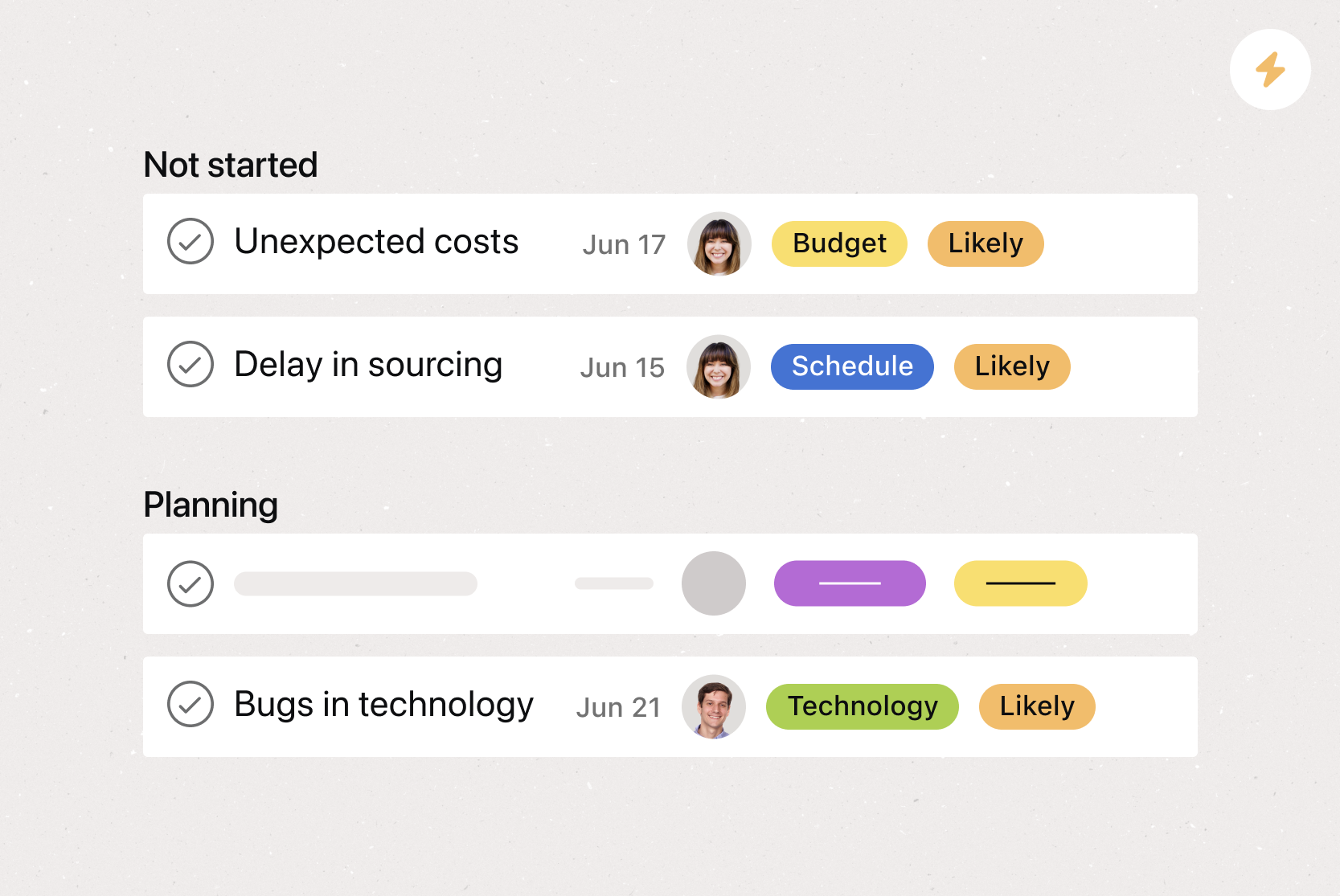
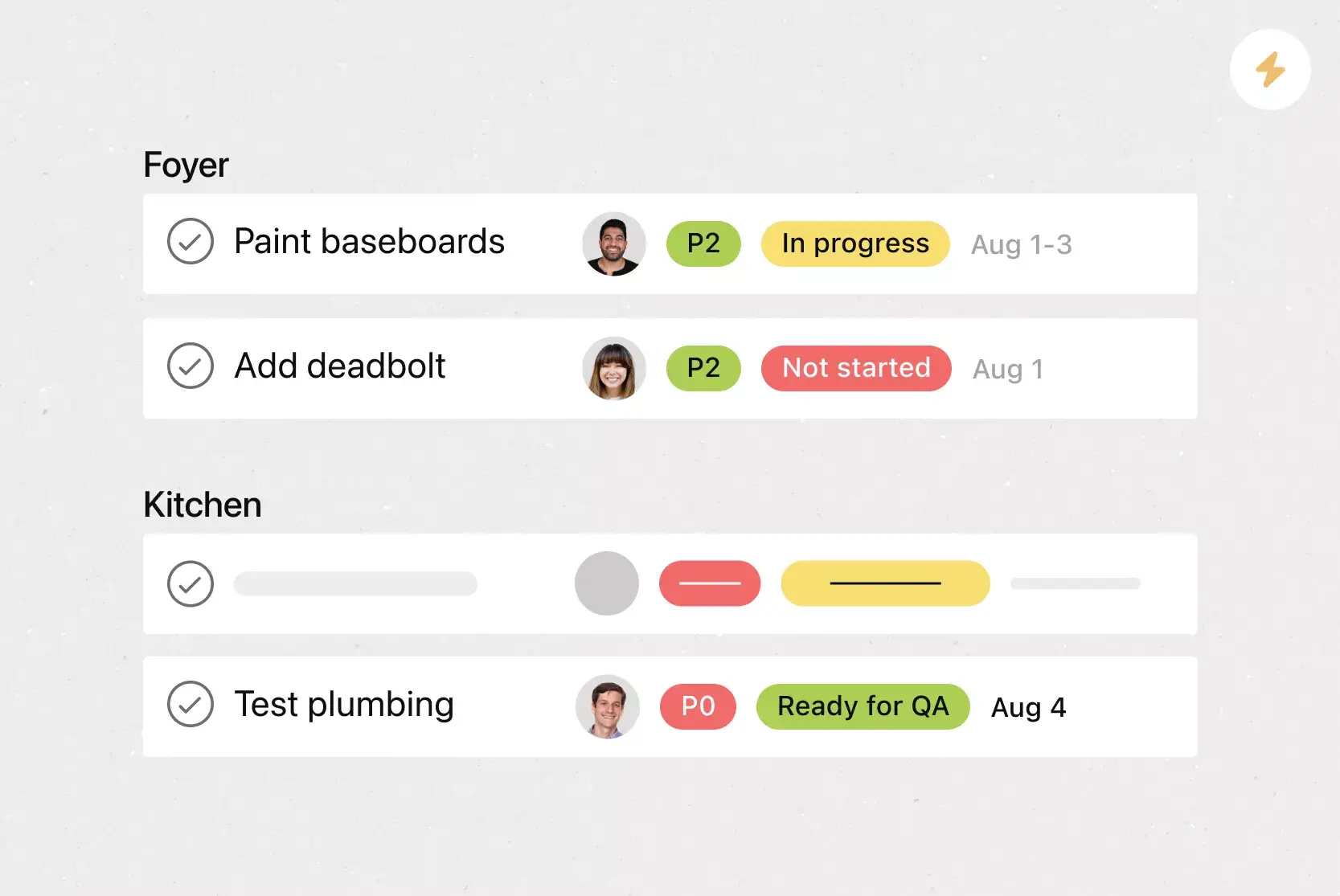
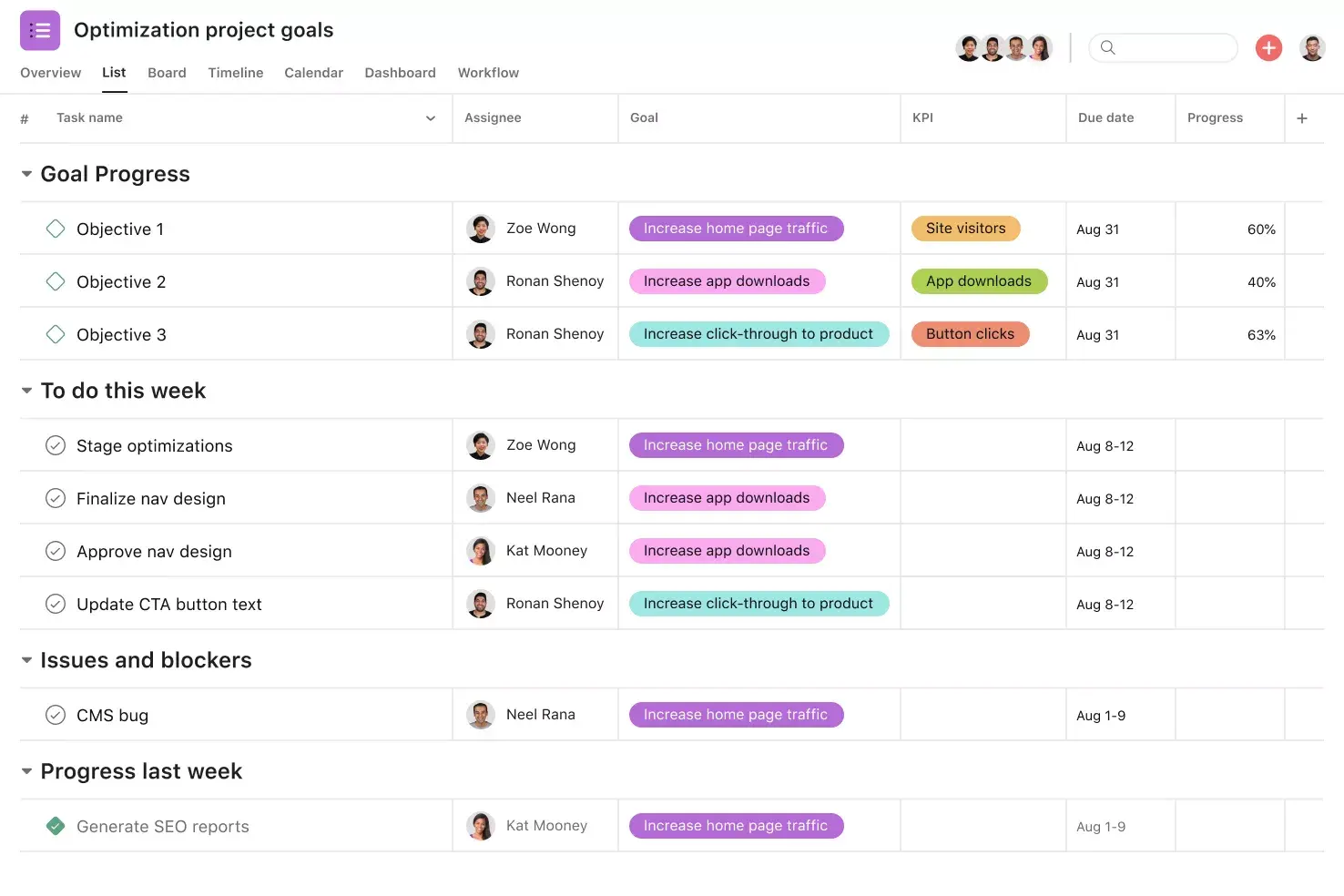
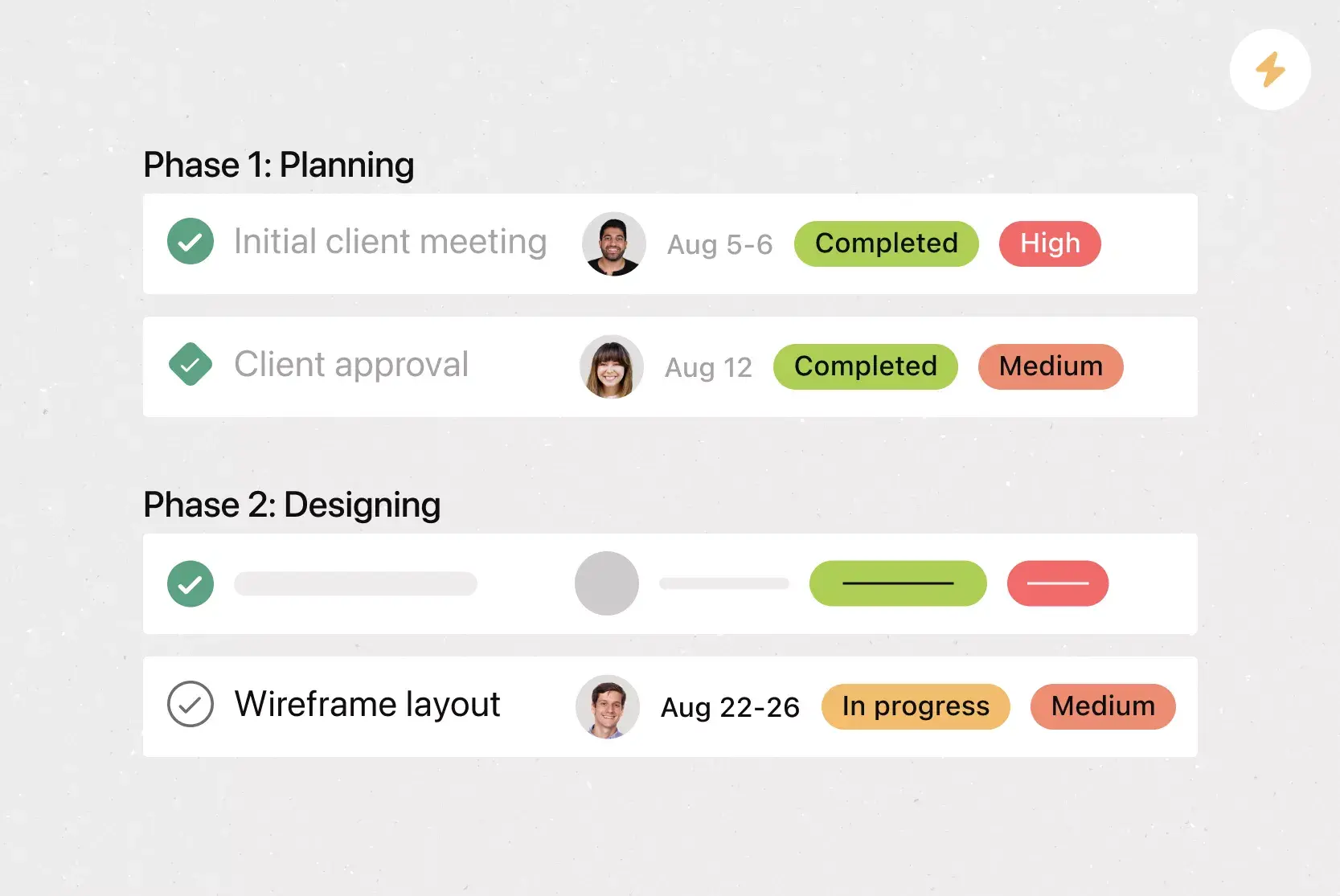
Custom fields. Custom fields are the best way to tag, sort, and filter work. Create custom fields for any information you need to track, from priority and status to email addresses and phone numbers. Plus, share custom fields across tasks and projects to ensure consistency across your organization.
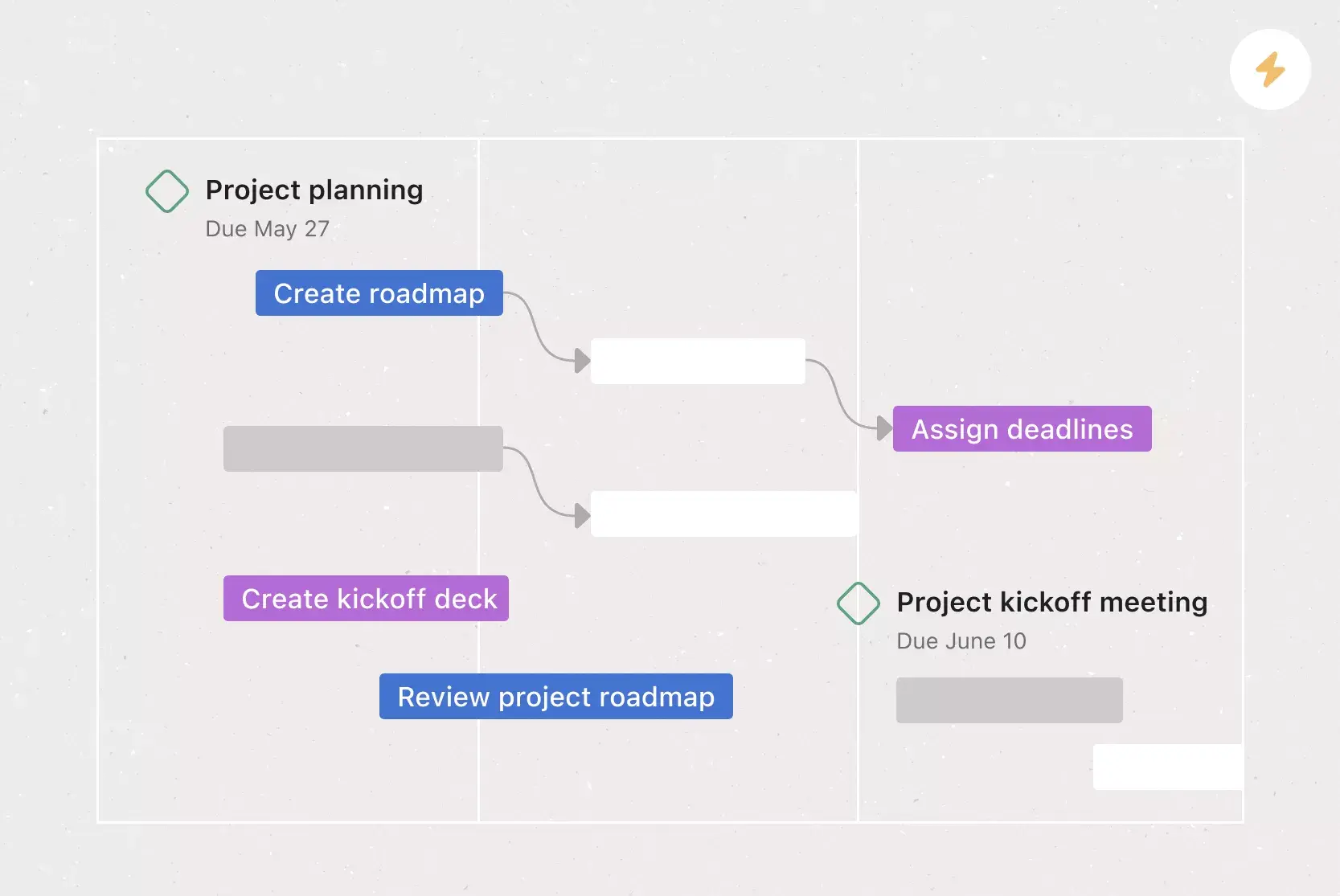
Dependencies. Mark a task as waiting on another task with task dependencies. Know when your work is blocking someone else's work, so you can prioritize accordingly. When the first task is completed, the assignee will be notified that they can begin their dependent task.
Recommended apps
Dropbox. Attach files directly to tasks in Asana using the Dropbox file chooser, built into the Asana task pane.
Slack. Turn ideas, work requests, and action items from Slack into Asana tasks and comments. Go from quick questions and action items to tasks with assignees and due dates. Easily capture work so requests and to-dos don't get lost in Slack.
Jira. Create interactive, connected workflows between technical and business teams to increase real-time visibility into the product development process, all without leaving Asana. Quickly create Jira issues directly in Asana, so work flows seamlessly between business and technical teams at the right time.
GitHub. Automatically sync GitHub pull request status updates to Asana tasks. Track pull request progress and improve cross-functional collaboration between technical and non-technical teams, all from within Asana.
Turn your change management plan into action with Asana
Use Asana to turn your change management plan into coordinated work your team can track from start to finish. Build timelines, assign owners, centralize communication, document risks, and monitor milestones in one shared workspace. Whether you’re planning a rollout, restructure, policy update, or process change, Asana helps teams manage each step with less confusion and fewer missed tasks. Get started with Asana today.
Create a change management plan templateFAQs about change management plans
How do you create a change management plan template?
How do I use a change management plan template?
When should I use a change management plan template?
What are the 5 steps of change management?
What's the difference between a change management plan and a project plan?
Related templates
![[HR Project Plan] template Card Image](https://assets.asana.biz/transform/663b8e5e-89c9-4b0b-b48b-1b17e01d1889/TG23-web-thumbnail-033-process-improvement-static-2x?io=transform:fill,width:2560&format=webp)
![[Templates] Waterfall project management (card image)](https://assets.asana.biz/transform/d87fc21c-53f0-4bc9-9094-9789b963be9b/article-project-management-waterfall-project-management-methodology-2x?io=transform:fill,width:2560&format=webp)
![[Templates] Marketing Project Plan (Card) image](https://assets.asana.biz/transform/af70ac54-97b9-4639-b639-be3a3d951e3e/TG23-web-thumbnail-016-stakeholderregister-static-2x?io=transform:fill,width:2560&format=webp)
![[Templates] Status report (card image)](https://assets.asana.biz/transform/9c82d399-782b-40d3-9eb1-fd7544bef794/article-project-management-project-management-maturity-model-2x?io=transform:fill,width:2560&format=webp)
![[Templates] Event Marketing Plan (Card image)](https://assets.asana.biz/transform/6c7b9329-b612-4732-910a-7917fa079f0b/TG23-web-thumbnail-014-project-chart-static-2x?io=transform:fill,width:2560&format=webp)
![[Templates] Communication plan (card image)](https://assets.asana.biz/transform/3dc9eadf-9d2d-40a2-a05d-63adb32a1de7/article-collaboration-synchronous-vs-asynchronous-communication-2x?io=transform:fill,width:2560&format=webp)


![[Template] IT project plan (Card image)](https://assets.asana.biz/transform/8aa523a9-4dcb-4053-8e69-7bdf900b48b9/web-product-template-thumbnail-IT-EN-US?io=transform:fill,width:2560&format=webp)
![[Templates] Design Project Plan (Card image)](https://assets.asana.biz/transform/c768a28c-822f-420f-93f9-f2eea4c93780/TG23-web-thumbnail-032-bill-of-materials-static-2x?io=transform:fill,width:2560&format=webp)
![[Templates] RFP Process (Card image)](https://assets.asana.biz/transform/14aa111b-ab22-483f-bfd1-3090acb7d2a5/RFP-process-premium-m?io=transform:fill,width:2560&format=webp)
Create templates with Asana
Learn how to create a customizable template in Asana. Get started today.