Project initiation document
Establishing a central source of truth before a project begins is the best way to keep your team aligned. Using a project initiation document template can help you do this easily.
Use templateSign up to create your own template.
INTEGRATED FEATURES
Recommended apps


A successful project begins with early planning. Clearly defining goals, roles, and expectations early prevents misunderstandings and issues later. A project initiation document template gives you a central place to define the scope of the project, so everyone knows what they’re working toward from the outset.
What is a project initiation document (PID)?
Project managers create a project initiation document (PID) before a project begins. It compiles essential information, including project scope, goals, success criteria, business value, and potential project risks. The PID is also known as a project charter or a project brief. A PID gives stakeholders a high-level view of a project, including its goals, timeline, and deliverables. By defining the five W’s of project management (who, what, when, where, and why) in one place, a project initiation document gives team members an overview of your project’s lifecycle.
What is a project initiation document template?
A project initiation document template defines a project before work begins. A PID template captures key information, such as the project’s objectives, scope, owners, and timeline, so teams start with shared expectations. It’s a living document that updates as priorities change and guides decision-making from kickoff through delivery.
Why should you use a PID template?
Using a project initiation document template provides your team with several benefits. Here’s how it can help you:
Establishes consistency across all projects: Using a PID template streamlines project creation, allowing the project manager to follow the same steps every time a new project begins.
Allow customization for specific teams: PIDs standardize the project creation process while still allowing you to tailor it to the needs of other projects. The template provides the main structure for your project initiation document, but you can add or remove sections based on your project's specific needs.
Provide context quickly for stakeholders: When managing multiple projects simultaneously, stakeholders need information quickly with as much context as possible. Using a project initiation document template makes it easy for them to find the information they need without hunting for it or holding unnecessary status meetings.
What’s included in a project initiation document template?
A good project initiation document template will include all the key project information a stakeholder needs to know at a glance. This template should include:
Project goals or objectives: This clearly states what the project intends to achieve and the broader business objectives it supports.
Success metrics: The specific metrics your team tracks to determine whether this project is successful.
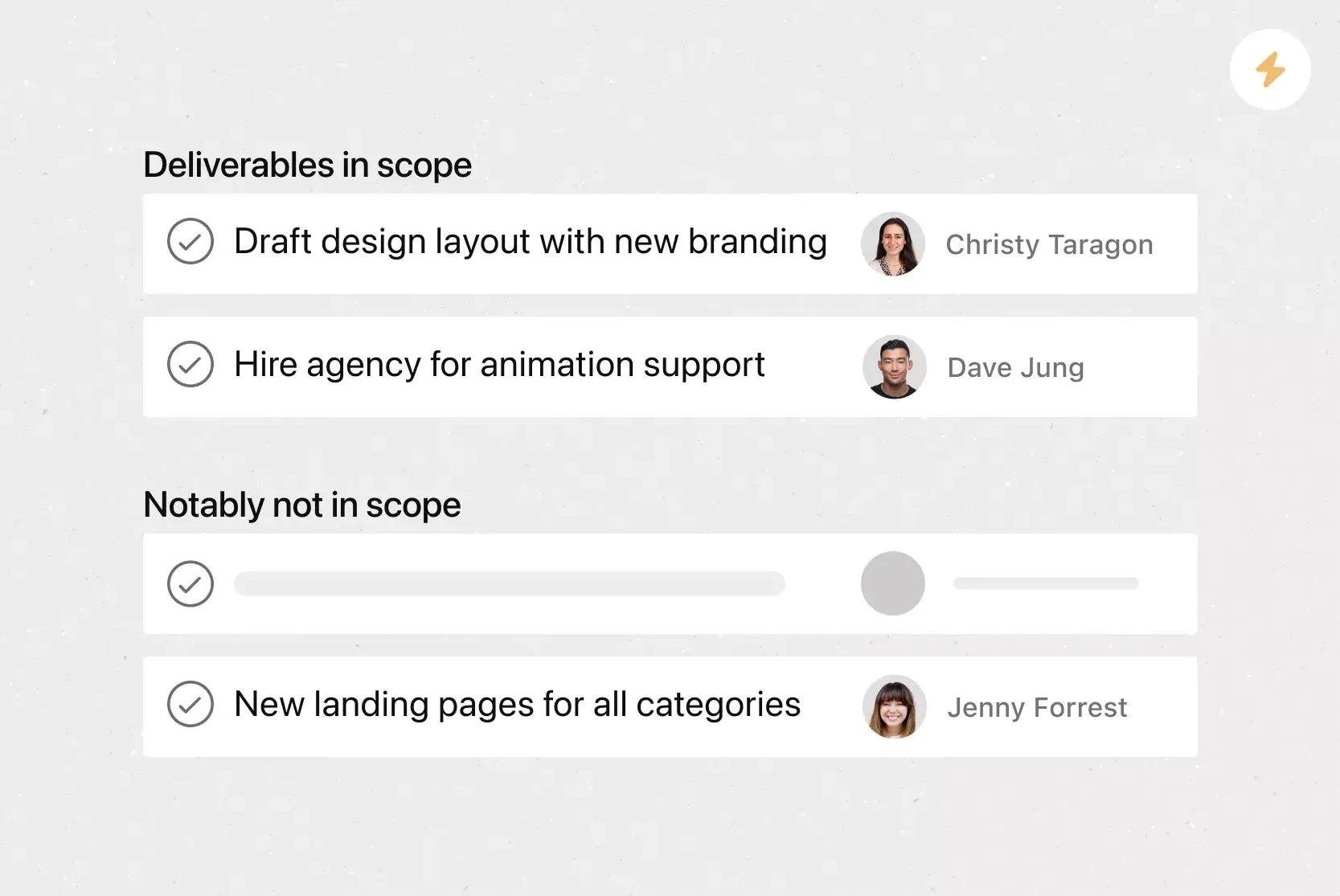
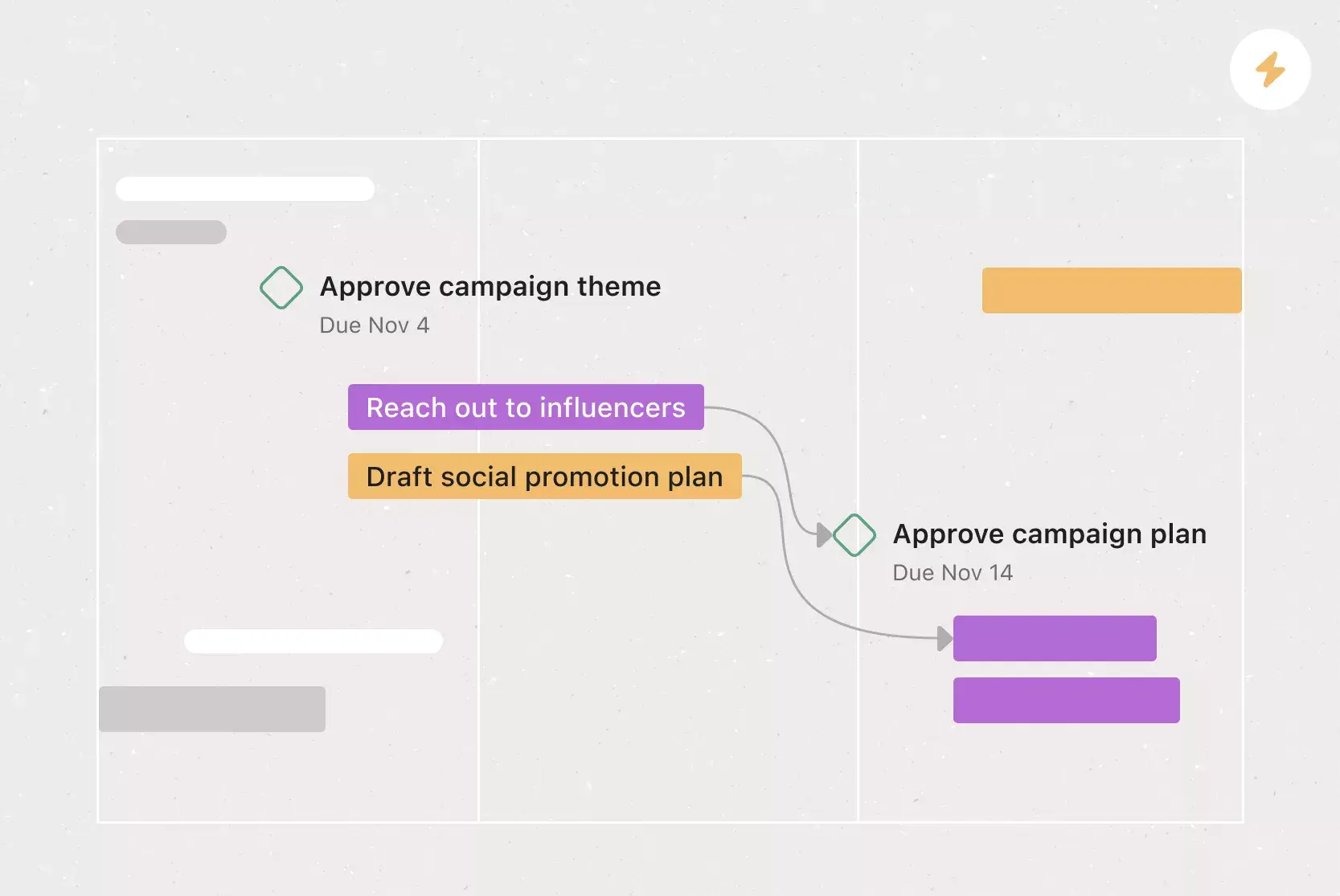
Project scope: This includes the scope of work, the allocated budget, and the estimated timeline.
Communication plan: This outlines how your team will communicate throughout the project.
Resourcing strategy: Key resource information, such as a resource allocation plan or a resource management strategy plan.
Key stakeholders: Individuals involved in the project, from individual contributors to senior management. Include a RACI chart in this section.
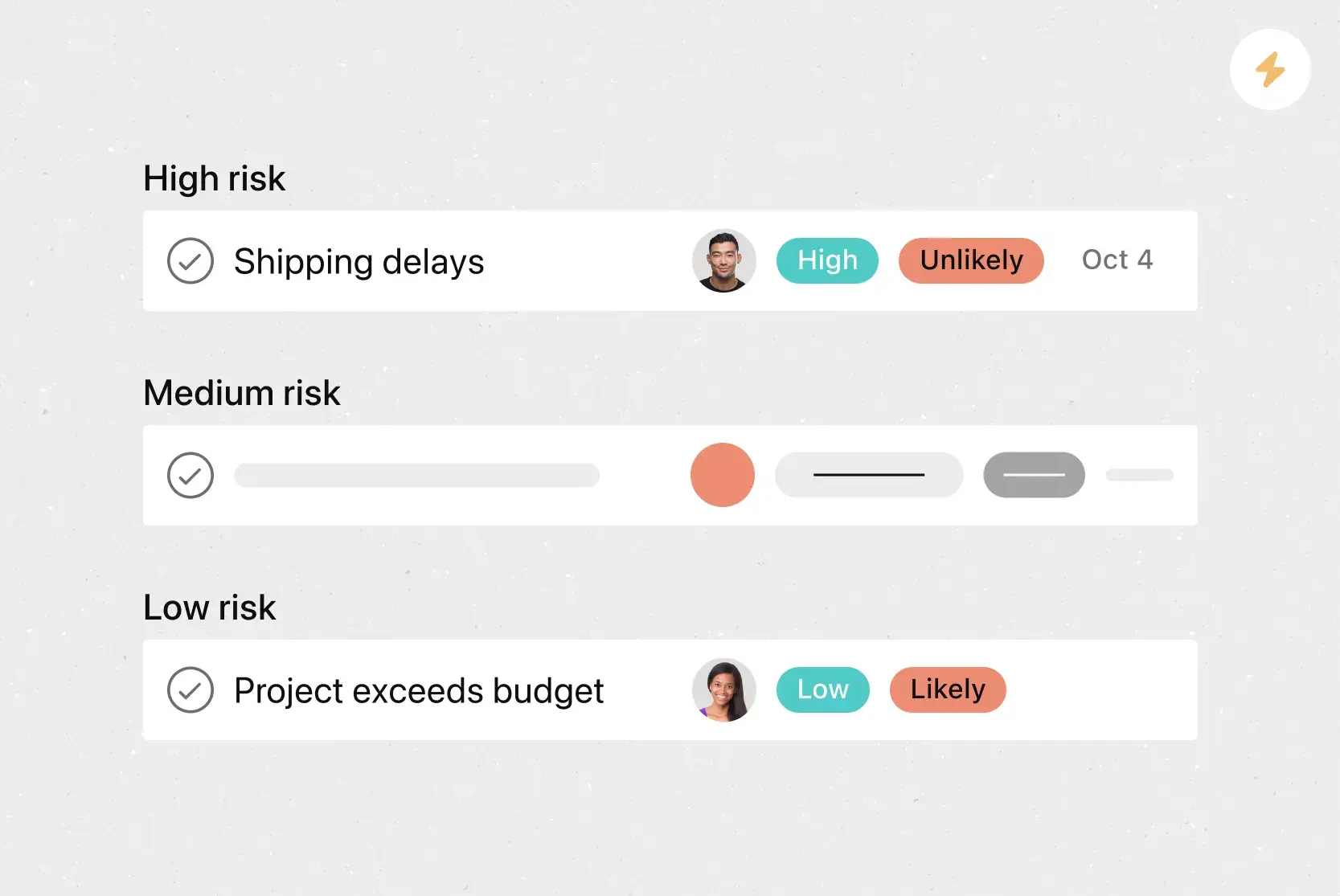
Project risks: Information about project risks, such as a RAID log or a risk analysis, would be included in this section.
Integrated project features
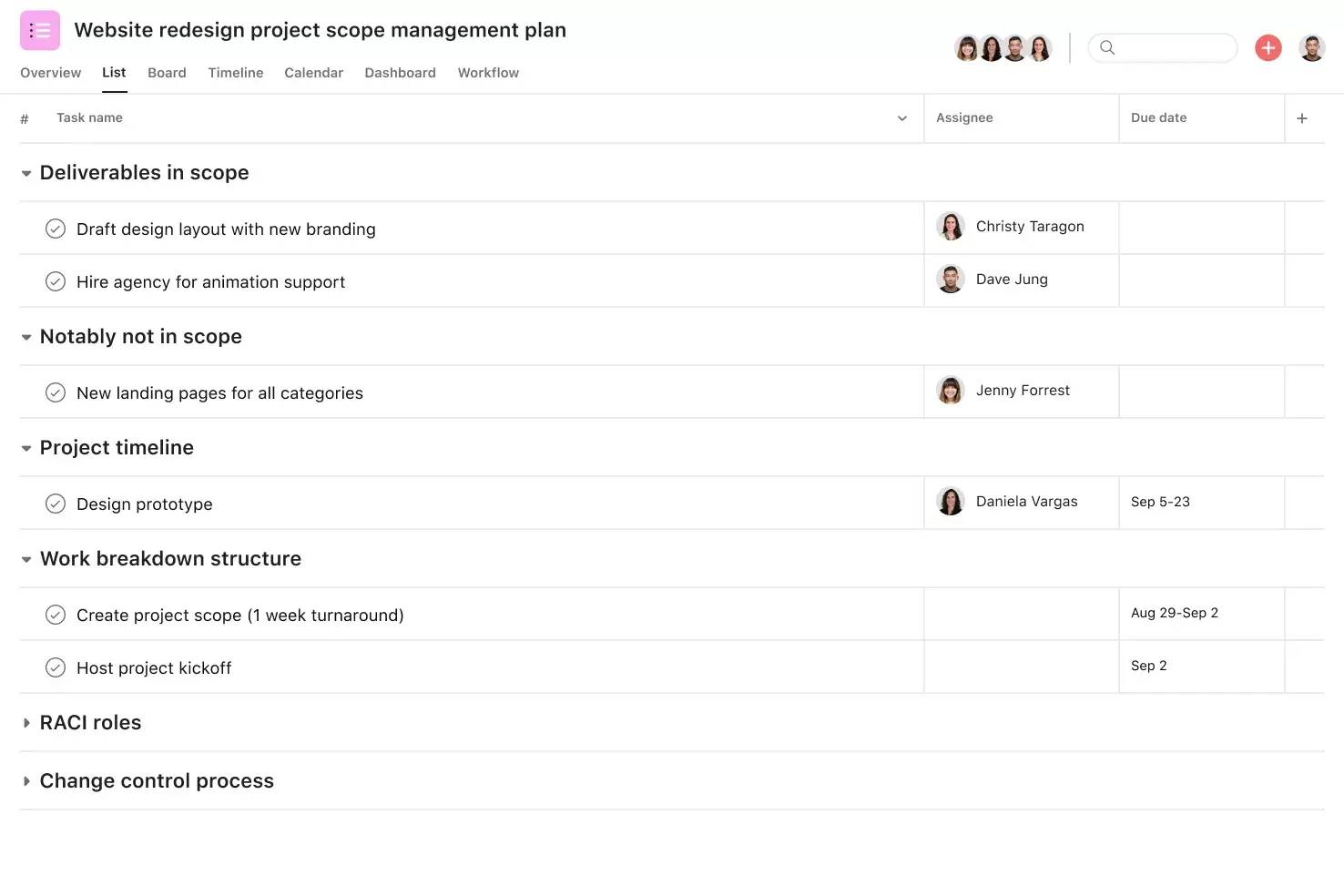
Project Overview. Centralize key context, resources, and decisions so teams understand the what, why, and how behind their initiatives.
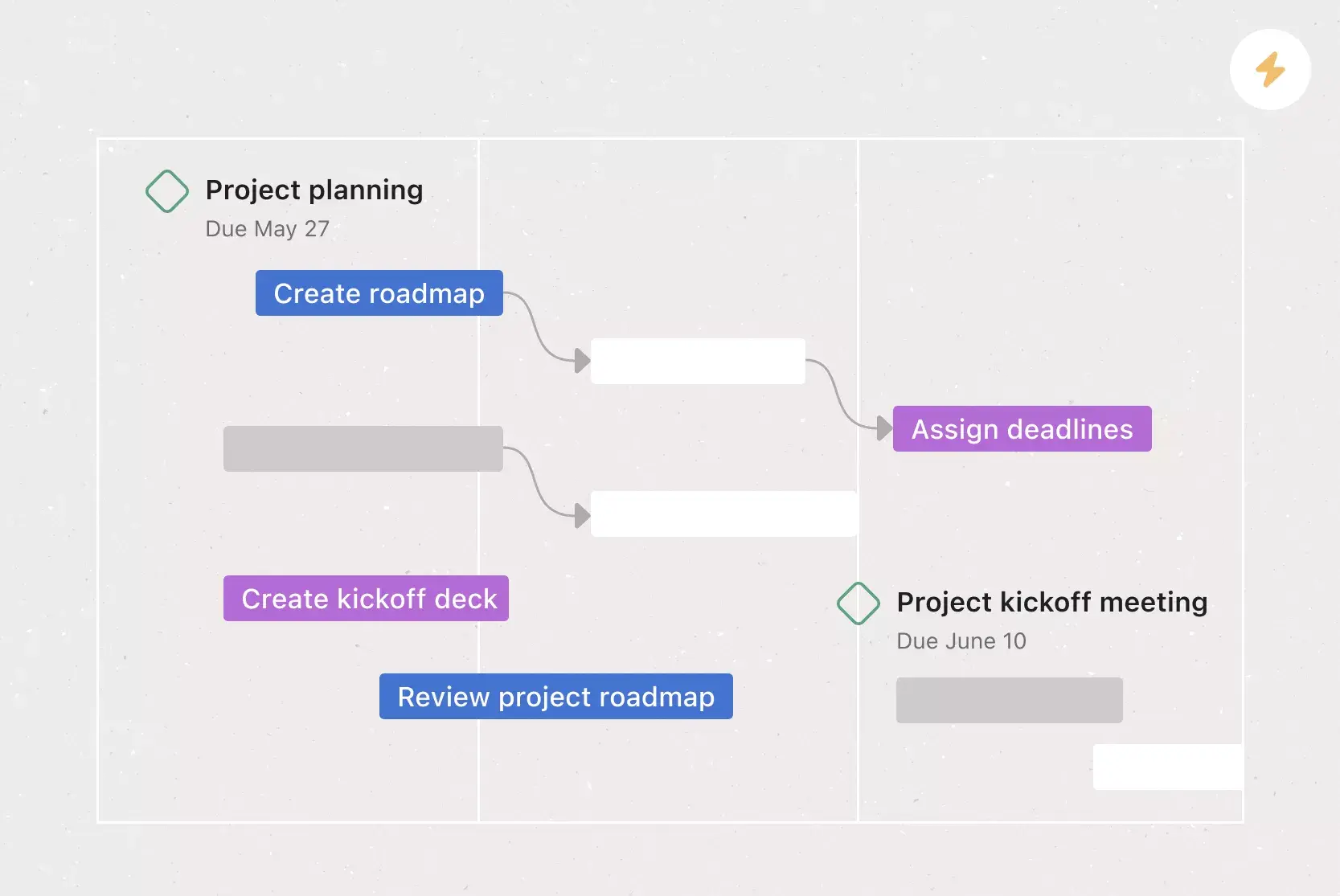
Project Brief. Share important details and dates with your project team using a central brief in Asana.
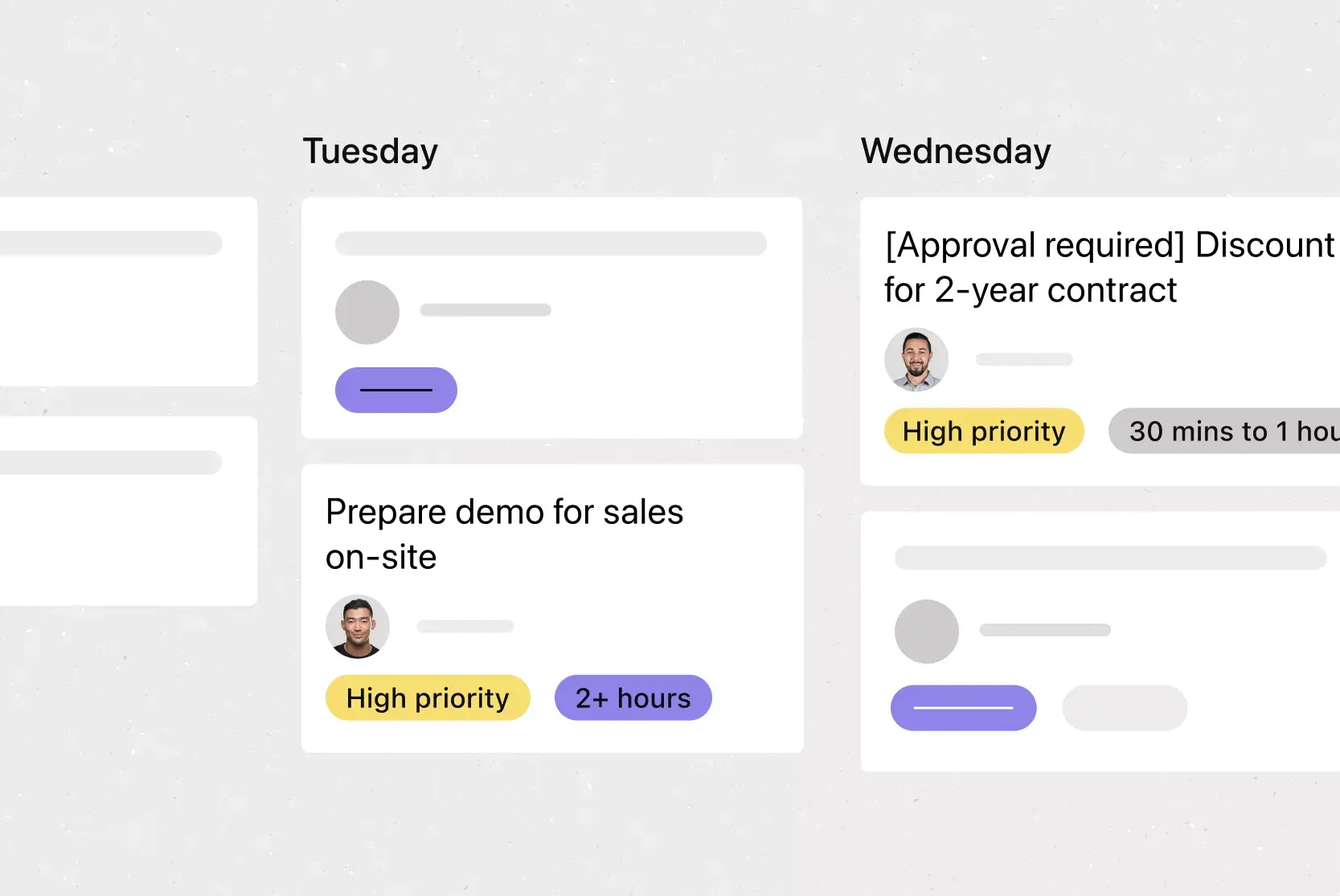
Workload. View team capacity across work in real time so managers spot conflicts and rebalance tasks before issues escalate.
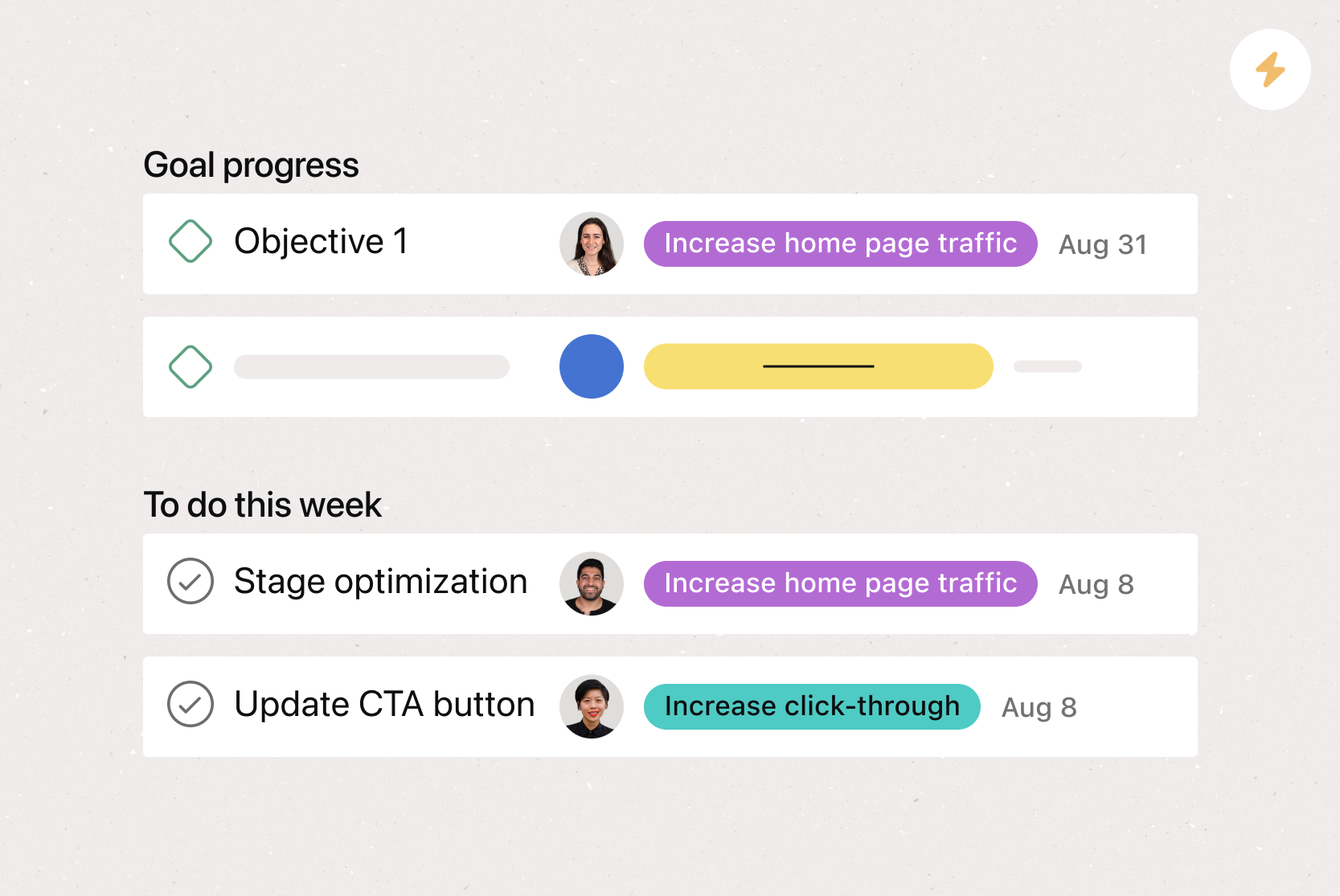
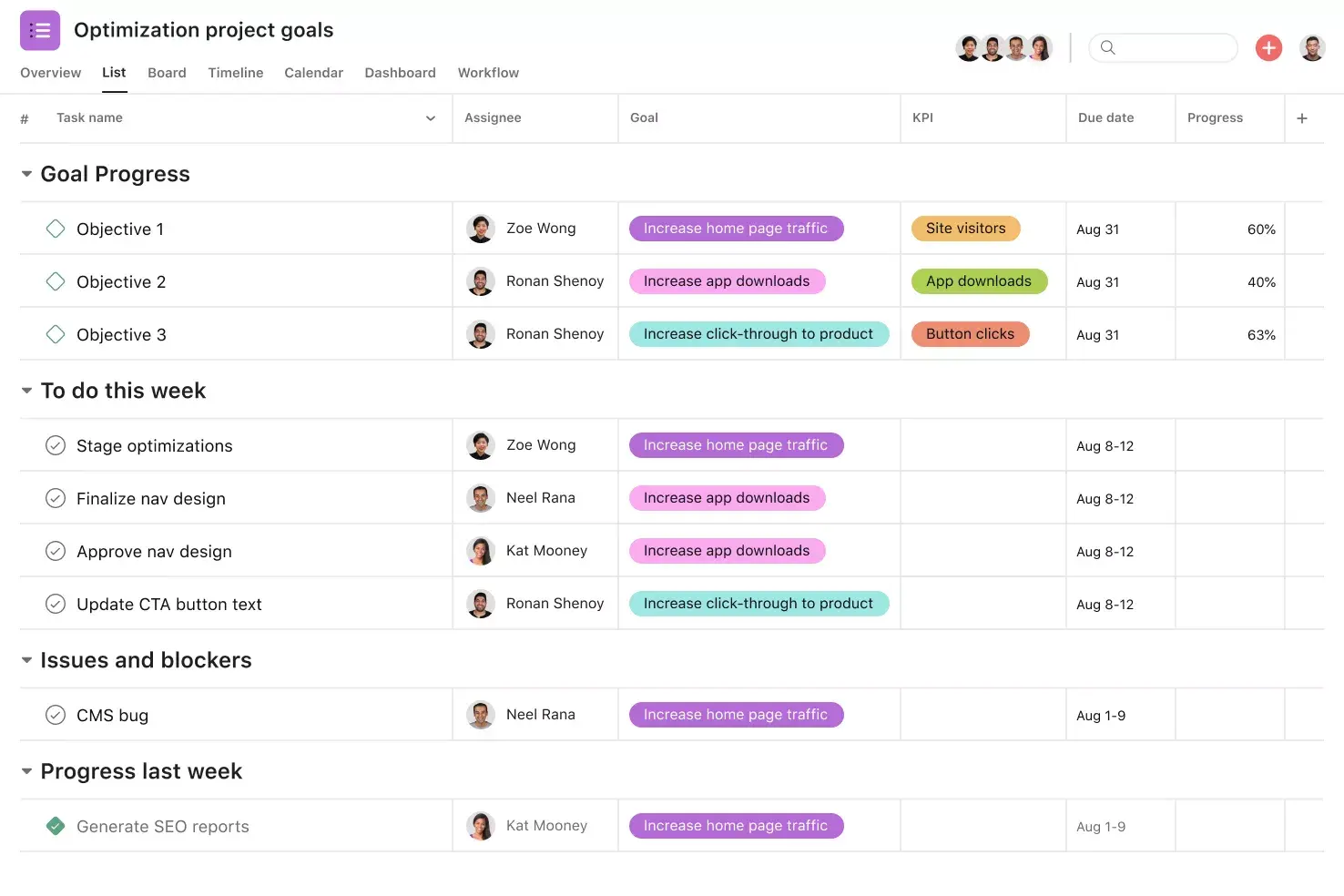
Goals. Connect goals directly to tasks, so teams see how daily projects support larger initiatives.
Recommended apps
Slack. Turn messages into tasks with owners and due dates to automate handoffs.
Google Workplace. Attach Drive files directly to tasks so teams find documents in one place.
Zoom. Plan meetings in Asana, create tasks during calls, and review recordings and transcripts after the meeting ends.
Microsoft Teams. Share updates and manage tasks from chats and meetings without switching tools.
FAQs about project initiation documents?
How do you create a project initiation document?
What’s included in a project initiation document (PID) template?
What is the project initiation phase?
What are the 4 steps of project initiation?
Related templates


![[Templates] Communication plan (card image)](https://assets.asana.biz/transform/3dc9eadf-9d2d-40a2-a05d-63adb32a1de7/article-collaboration-synchronous-vs-asynchronous-communication-2x?io=transform:fill,width:2560&format=webp)

![[Templates] Waterfall project management (card image)](https://assets.asana.biz/transform/d87fc21c-53f0-4bc9-9094-9789b963be9b/article-project-management-waterfall-project-management-methodology-2x?io=transform:fill,width:2560&format=webp)
![[Templates] Status report (card image)](https://assets.asana.biz/transform/9c82d399-782b-40d3-9eb1-fd7544bef794/article-project-management-project-management-maturity-model-2x?io=transform:fill,width:2560&format=webp)
![[Template] IT project plan (Card image)](https://assets.asana.biz/transform/8aa523a9-4dcb-4053-8e69-7bdf900b48b9/web-product-template-thumbnail-IT-EN-US?io=transform:fill,width:2560&format=webp)
![[Templates] Design Project Plan (Card image)](https://assets.asana.biz/transform/c768a28c-822f-420f-93f9-f2eea4c93780/TG23-web-thumbnail-032-bill-of-materials-static-2x?io=transform:fill,width:2560&format=webp)
![[Templates] Event Marketing Plan (Card image)](https://assets.asana.biz/transform/6c7b9329-b612-4732-910a-7917fa079f0b/TG23-web-thumbnail-014-project-chart-static-2x?io=transform:fill,width:2560&format=webp)

![[HR Project Plan] template Card Image](https://assets.asana.biz/transform/663b8e5e-89c9-4b0b-b48b-1b17e01d1889/TG23-web-thumbnail-033-process-improvement-static-2x?io=transform:fill,width:2560&format=webp)
![[Templates] Marketing Project Plan (Card) image](https://assets.asana.biz/transform/af70ac54-97b9-4639-b639-be3a3d951e3e/TG23-web-thumbnail-016-stakeholderregister-static-2x?io=transform:fill,width:2560&format=webp)

![[Templates] RFP Process (Card image)](https://assets.asana.biz/transform/14aa111b-ab22-483f-bfd1-3090acb7d2a5/RFP-process-premium-m?io=transform:fill,width:2560&format=webp)
Create templates with Asana
Learn how to create a customizable template in Asana. Get started today.