1:1 meeting agenda
Build trust and encourage collaboration with a 1:1 meeting template. Keep track of agenda items, meeting notes, and next steps in one place.
Use templateSign up to use this template.
INTEGRATED FEATURES
Recommended apps




A 1:1 meeting template offers managers a consistent framework for focused, meaningful conversations with team members. It fosters trust by enabling open discussion, honest feedback, and ongoing support. Regular 1:1 meetings provide dedicated time to address priorities, challenges, and development opportunities without distractions.
![[product ui] 1:1 meeting agenda project in Asana with discussion topics and action items (list view)](https://assets.asana.biz/transform/74a75f1f-3fce-45dd-9d11-781aee979a42/inline-lists-1-1-meeting-2x?io=transform:fill,width:2560&format=webp)
What is a 1:1 meeting?
A 1:1 meeting is a recurring conversation between a manager and a team member to discuss current projects, priorities, challenges, and growth. These meetings are typically held biweekly, either in person or virtually. Managers use 1:1s to provide feedback, address obstacles, and support progress, while team members can ask questions, raise concerns, and discuss career development. The focus is on the individual, not status updates, and meetings are most effective when both parties prepare topics in advance.
What is a 1:1 meeting template?
A 1:1 meeting template is a reusable, standardized outline that helps managers and team members plan and run consistent one-on-one conversations. Teams use a 1:1 template to guide discussions on current work, feedback, challenges, and professional development topics. The template provides both participants with a shared meeting agenda, prompts meaningful questions, and creates a record of follow-ups that help managers track progress and guide performance over time.
An Asana 1:1 meeting template enables you to:
Track action items and discuss due dates.
Discuss long-term career development or professional goals with direct reports.
Give new employees a home base during onboarding.
Plan discussion points in advance.
Recap and follow up on questions or key points from previous sessions.
![[Product ui] 1:1 meeting agenda template with discussion topics, action items, and topic priority (list view)](https://assets.asana.biz/transform/a98e409d-e95e-49f2-bce4-9c6cc5221f8e/TG23-web-hero-005-one-on-one-agenda-static-2x-en?io=transform:fill,width:2560&format=webp)
How to use a 1:1 template
Your 1:1 template is the starting point. After updating it with relevant sections and categories, duplicate the template for each direct report.
To use your dedicated 1:1 meeting project:
Add topics to the 1:1 template throughout the week and encourage your employee to do the same. This can help you define your 1:1 meeting agenda in advance, so you don’t forget to discuss your top priorities.
Build a home base for your direct reports’ questions, goals, and workflows. These regular check-ins should be a private space for you and your employee to collaborate in.
Share status updates and roadblocks in real time and asynchronously. This can help you keep track of employee initiatives without micromanaging. Review what your employee did during the past week to help them understand where they can improve.
Share constructive feedback regularly so there are no surprises during bigger reviews. Make sure your employees receive sufficient feedback—both positive and constructive—so they can grow and improve in their roles.
Use your template to track longer-term career goals. Not only does your 1:1 agenda template help you and your direct report coordinate their career goals, but it also serves as a reference when performance reviews arise.
Store reference information, documents, and goals in one place.
What to include in your 1:1 meeting template
Your 1:1 meeting template should include:
A section for live discussion topics
A section for asynchronous questions
A way to capture action items
A way to track long-term career aspirations
A place to store resources and references
While you can create a static to-do list in tools like Google Docs or Microsoft Word, using a project management tool such as Asana allows you to capture and track information directly within your work management platform.
Use template![[Product ui] 1:1 agenda with face-to-face discussion topics, async topics, and growth and development (list view)](https://assets.asana.biz/transform/43c6aa8c-1d6c-4dc8-9d4b-e3d6bb61b51b/TG23-web-hero-005-one-on-one-static-2x-en?io=transform:fill,width:2560&format=webp)
Integrated meeting features
Milestones. Mark key checkpoints so managers can track progress, review outcomes, and connect work to the right metrics.
Custom fields. Tag and sort work by priority, status, or owner to automate routine tracking and reduce manual updates.
Goals. Connect goals directly to the work behind them so managers can use planning data to guide performance management conversations.
Adding tasks to multiple projects. Ensure cross-functional work is visible so follow-ups from team meetings occur within the appropriate projects.
Recommended apps
Zoom. Prepare meetings in Asana, document decisions during calls, and save follow-ups as 1:1 meeting notes when conversations continue beyond the meeting.
Vimeo. Record short video messages to share feedback or context in a consistent 1:1 format without scheduling another meeting.
Loom. Embed quick video explanations in project overviews or attach them to your 1:1 meeting agenda template to set expectations before a conversation starts.
Microsoft Teams. Share updates, create tasks, and manage follow-ups from chats directly to your Asana 1:1 template.

You spend so much time finding great people, it’s worth it to help them grow to be the best they can be.”
FAQs about 1:1 templates
What is the purpose of a 1:1 meeting template?
How do you structure a 1:1 meeting template?
Do I need a 1:1 meeting template?
What topics should I include in my 1:1 meeting template?
Is a 1:1 meeting template just for a manager and their employee?
Why should I hold 1:1 meetings?
What else can I do to make my meetings productive?
Related templates
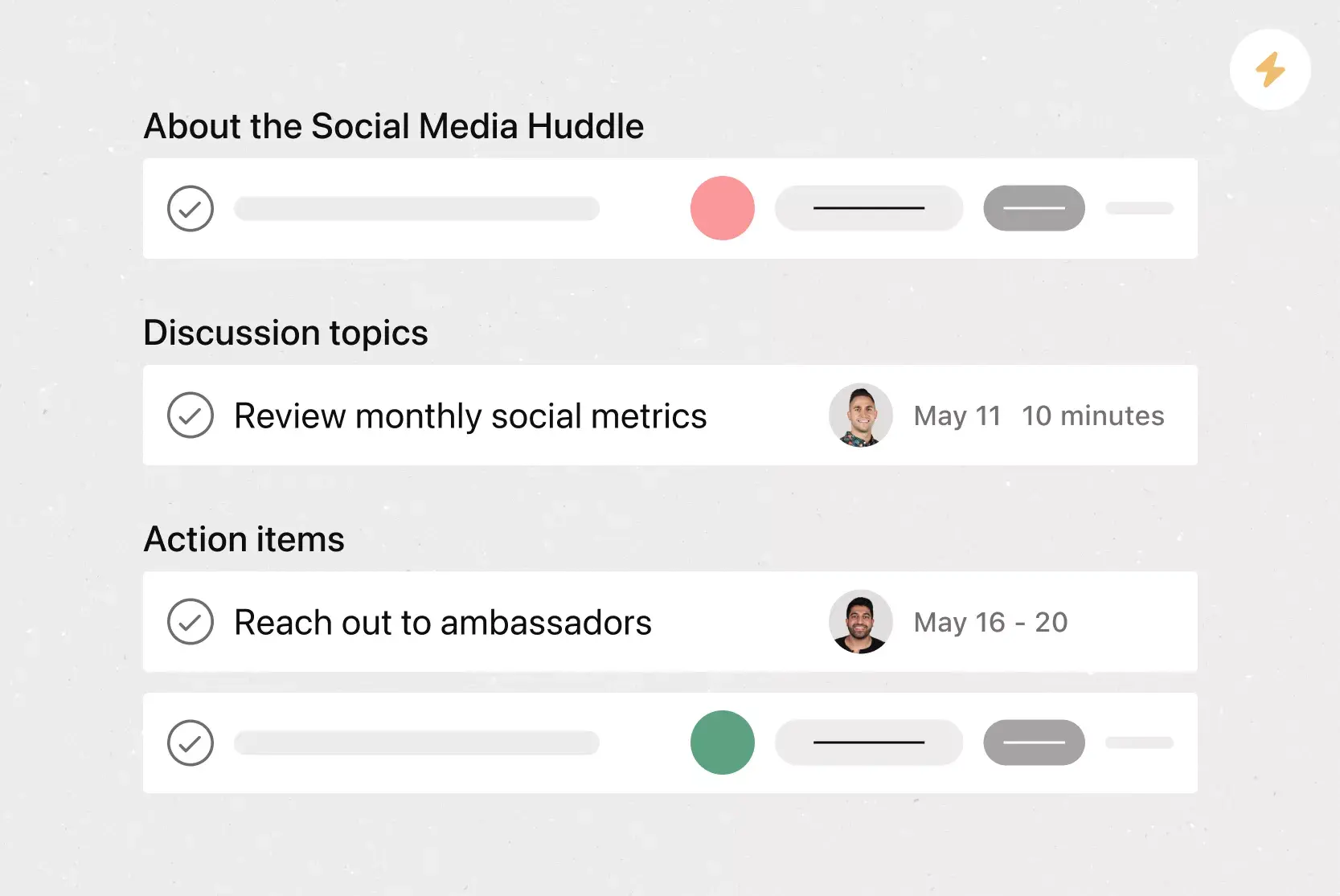
![[Templates] Conference agenda](https://assets.asana.biz/transform/5a4fbf8a-4ae5-49ee-bba6-beb4dc28ac81/TG23-web-thumbnail-conference-agenda?io=transform:fill,width:2560&format=webp)
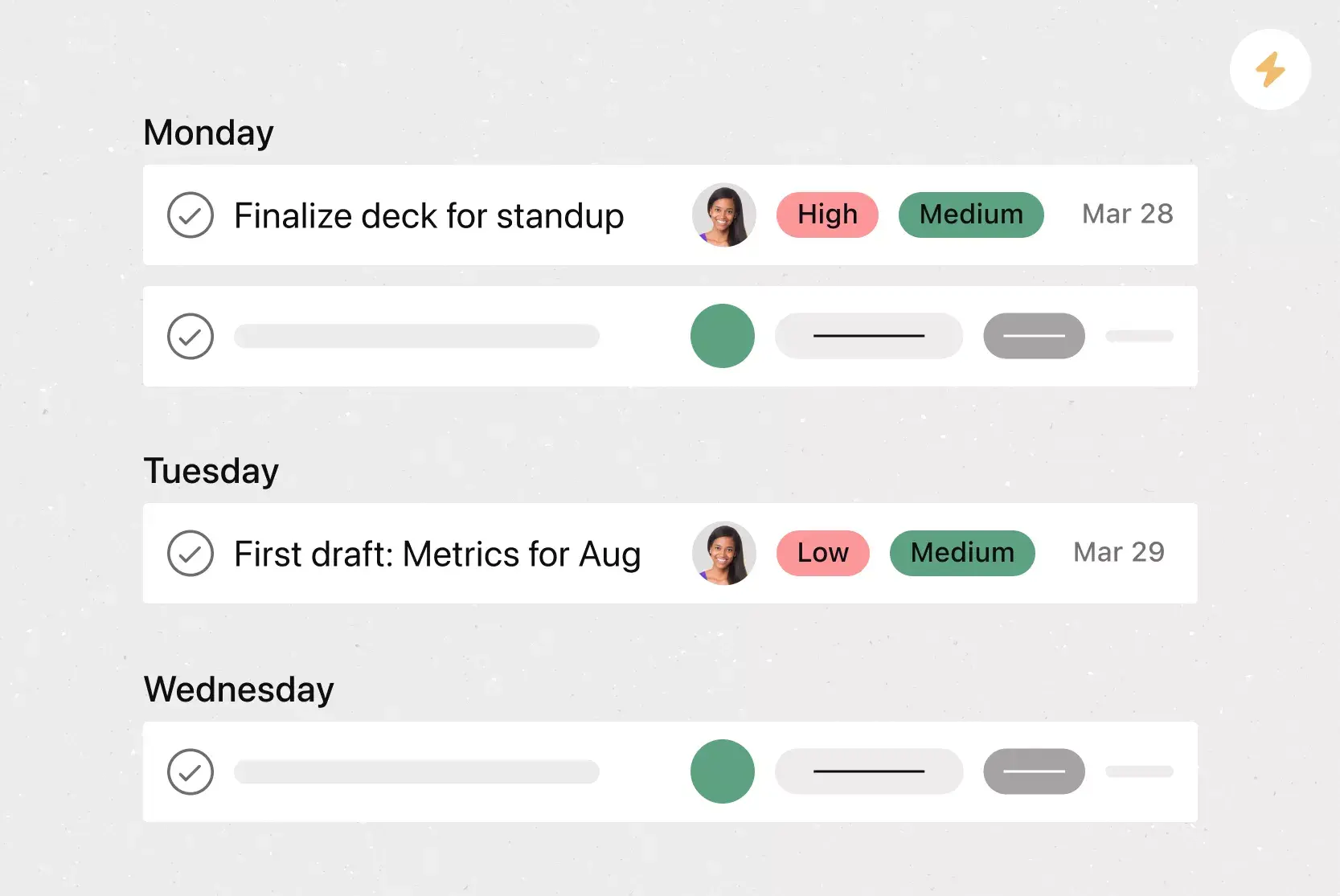
![[Templates] Meeting agenda (Card image)](https://assets.asana.biz/transform/f9fa4005-1bcf-43d0-b78a-55f8f84c3569/TG23-web-thumbnail-026-kickoff-meeting-static-2x?io=transform:fill,width:2560&format=webp)
![[Templates] Team Brainstorm (Card image)](https://assets.asana.biz/transform/889d64ca-6f95-485f-888a-b015a0932852/TG23-web-hero-049-launch-post-mortem-thumbnail-2x?io=transform:fill,width:2560&format=webp)

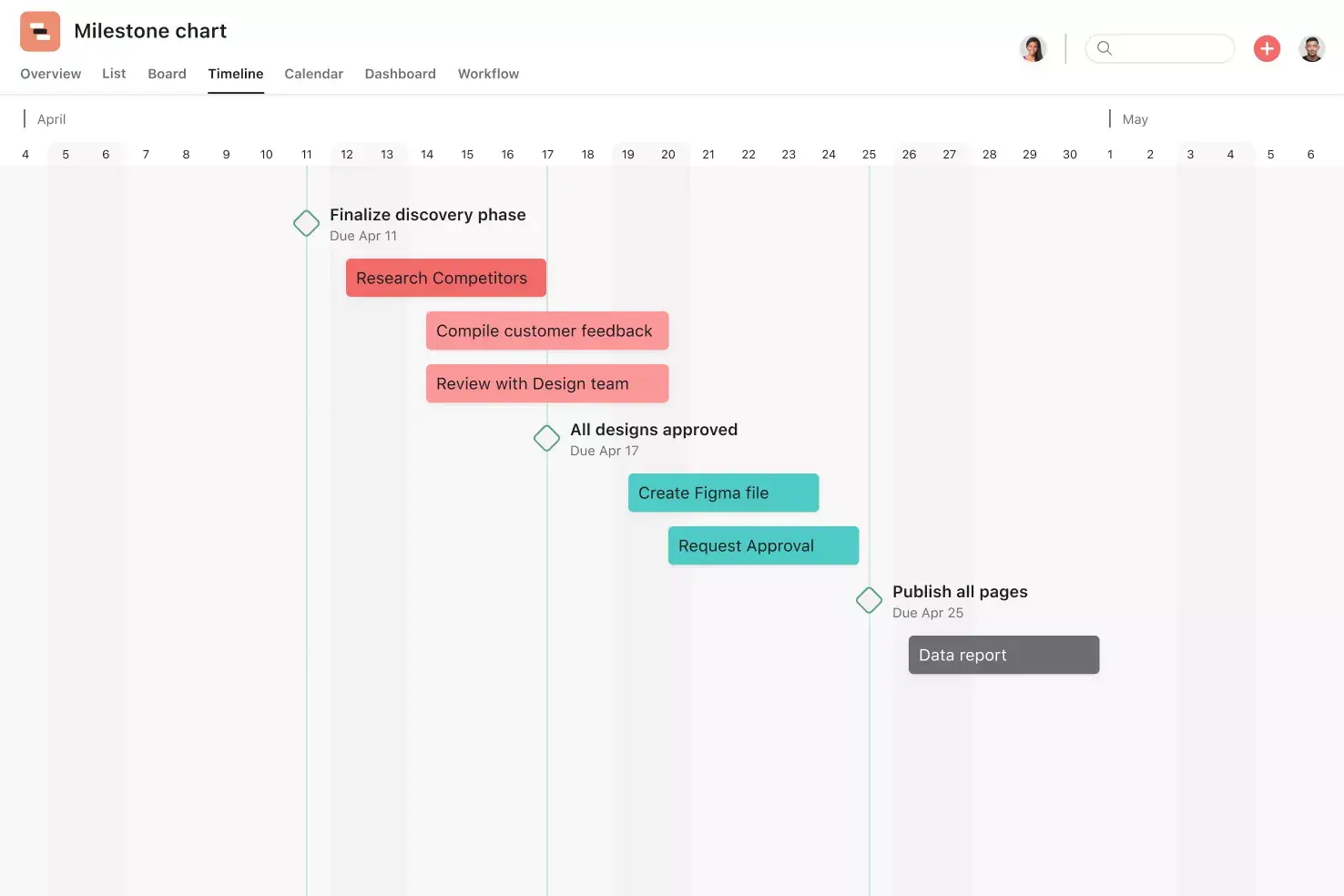
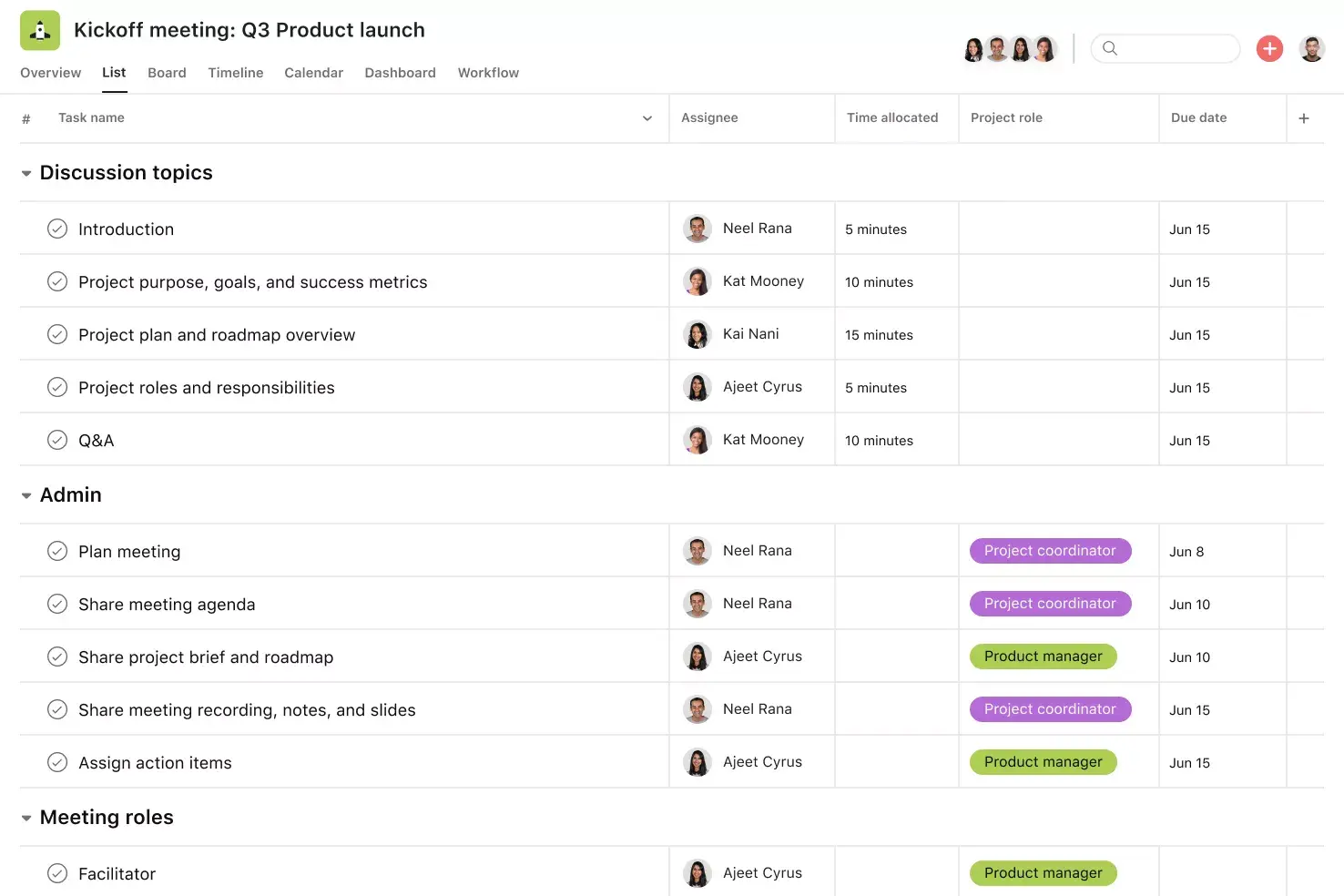
![[Templates] Board meeting agenda (Card image)](https://assets.asana.biz/transform/52921779-e705-44a8-96ed-ec80c021aa9e/operationsteams-board-meeting-agenda-m-premium?io=transform:fill,width:2560&format=webp)
Run effective 1:1s in Asana
Keep track of discussion topics, meeting notes, and action items in one place.