Cost benefit analysis
Digital cost benefit analysis templates are a useful framework to see if a new project or idea is viable. Learn how to create your own in a few simple steps, with Asana.
Create your templateINTEGRATED FEATURES
Recommended apps


A cost-benefit analysis (CBA) helps you decide whether an idea is actually worth the time, money, and effort before you commit to it. Instead of relying on gut instinct or optimistic assumptions, you weigh expected costs against potential payoff and make the trade-offs explicit. A cost-benefit analysis template gives you a practical way to evaluate a new project, idea, or strategy, so you can compare options, document assumptions, and explain your reasoning to others.
![[Product ui] Cost benefit analysis project in Asana, spreadsheet-style project view (List)](https://assets.asana.biz/transform/2cf2a9c8-8d86-4154-b6ab-1e7cff189bf5/TG23-web-hero-024-cost-benefit-analysis-static-2x?io=transform:fill,width:2560&format=webp)
What is a cost-benefit analysis template?
Your cost-benefit analysis template is a project-planning tool for determining whether to proceed with a project. It helps you visualize the total costs (including unexpected costs) relative to the total benefits. A cost-benefit analysis template helps you determine feasibility and decide whether an option is worth pursuing by comparing costs and benefits with straightforward math, without rebuilding the analysis each time.
What are the benefits of using a cost-benefit analysis?
Using a cost-benefit analysis helps teams make evidence-based decisions rather than assumptions. It gives you a structured way to compare options, especially when the stakes are high or resources are tight. By laying out costs, benefits, and risks in one place, teams can articulate priorities, justify trade-offs, and proceed with confidence.
The benefits of using a cost-benefit analysis include:
It helps teams evaluate new products, features, or strategies during early brainstorming.
It supports high-impact decisions tied to OKRs and KPIs by showing where effort delivers the most value.
It guides prioritization when time, budget, or staffing limits force hard choices.
It accounts for both financial and non-financial factors, including indirect or intangible costs.
It gives stakeholders a shared view of assumptions, calculations, and outcomes over time.
Tip: Use project management software like Asana to run your cost-benefit analysis in one place. Track costs, benefits, and assumptions by task, update values as inputs change, and share the analysis with stakeholders so everyone can review the exact numbers and decisions as they evolve.
How to use a cost-benefit analysis template
Use a cost-benefit analysis template to compare options before you commit resources. Start by defining the informed decision you need to make, then list all expected costs and benefits for each option. After that, assign values where possible and compare totals to determine which option yields the strongest or most cost-effective return. Document assumptions so others understand your conclusions.
Here’s a simple cost-benefit analysis example:
Define the decision or option you want to evaluate. For example, you assess an automation initiative to decide whether the team should replace a manual reporting process.
List all costs, including time, money, and operational effort, as well as potential risks. Continuing our example, you would account for software fees, setup time, training effort, and opportunity costs related to delaying other work.
List all benefits, including revenue, savings, or strategic impact. You estimate cost savings based on fewer manual hours and faster turnaround times.
Assign monetary values or ranges to each item, then sum them. You assign values using standard metrics, such as hours saved per week and annual labor reductions.
Compare outcomes and record the rationale behind your choice. You calculate net benefits and review the expected return on investment to see whether gains outweigh costs.
Inputs vs. outputs
In a cost-benefit analysis: inputs = costs and outputs = benefits.
For your template, create a section for both inputs and outputs. To determine the total project cost, factor in direct costs and indirect costs, intangible benefits, and financial benefits, as well as associated risks. For example, if you’re developing a new software program, you’d include the physical resources you need (computers and a team) as well as potential costs, such as increased Wi-Fi charges.
Other examples of inputs:
Salaries for new team members
Paid training or software
Manufacturing costs
Other examples of outputs:
Production increase of 10%
Higher customer satisfaction
Revenue growth
You might notice that some of your costs and benefits are not monetary. When this happens, do your best to assign a dollar value. For example, higher customer satisfaction is linked to increased sales. Given this, estimate how much sales might grow over time if you improve customer satisfaction with your new project.
Read: Use a cost comparison template to make faster decisionsIntegrated analysis features
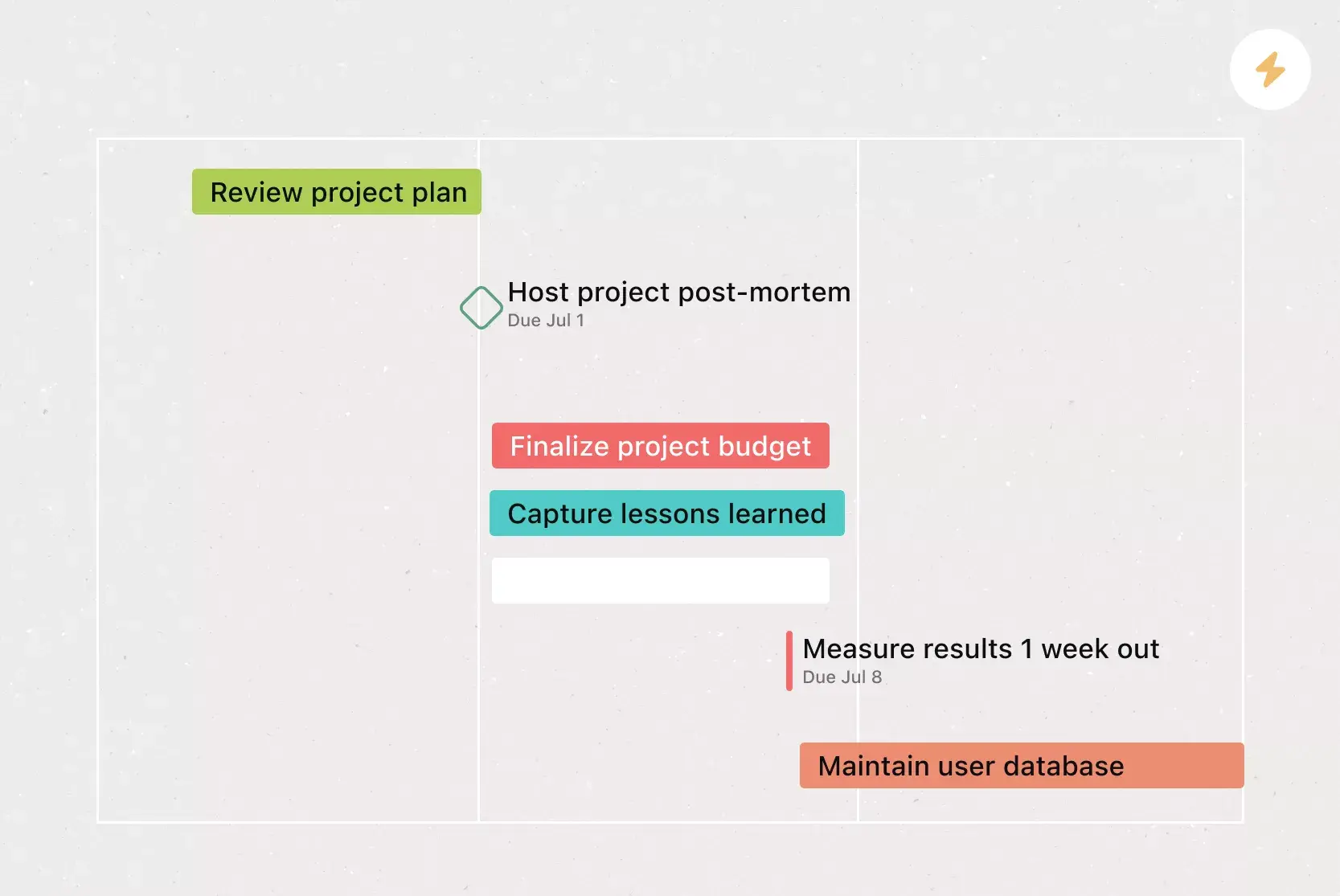
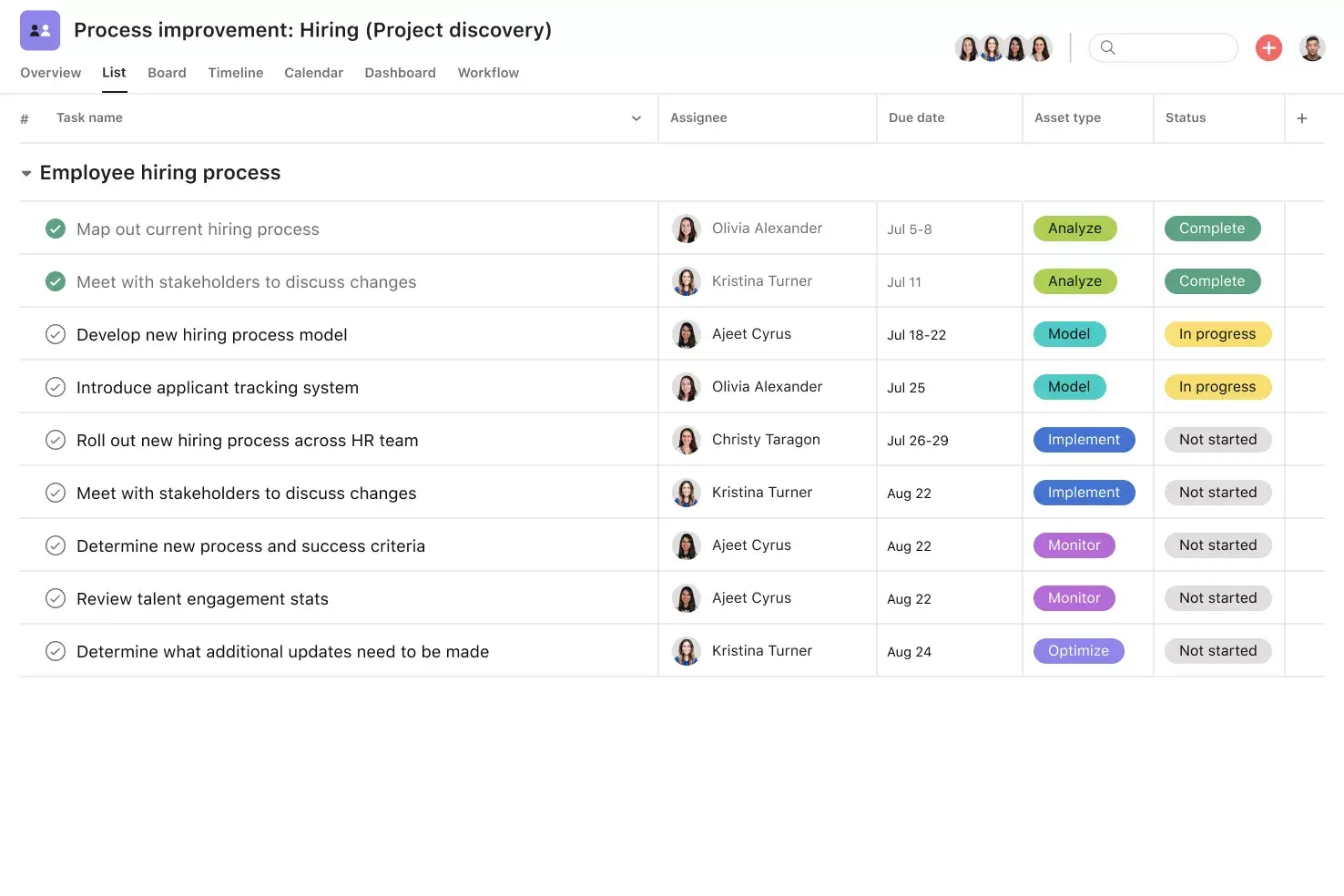
List View shows tasks, due dates, milestones, and custom fields in a grid, allowing teams to scan their workflows in real time. It helps everyone see ownership and timing without switching between views.
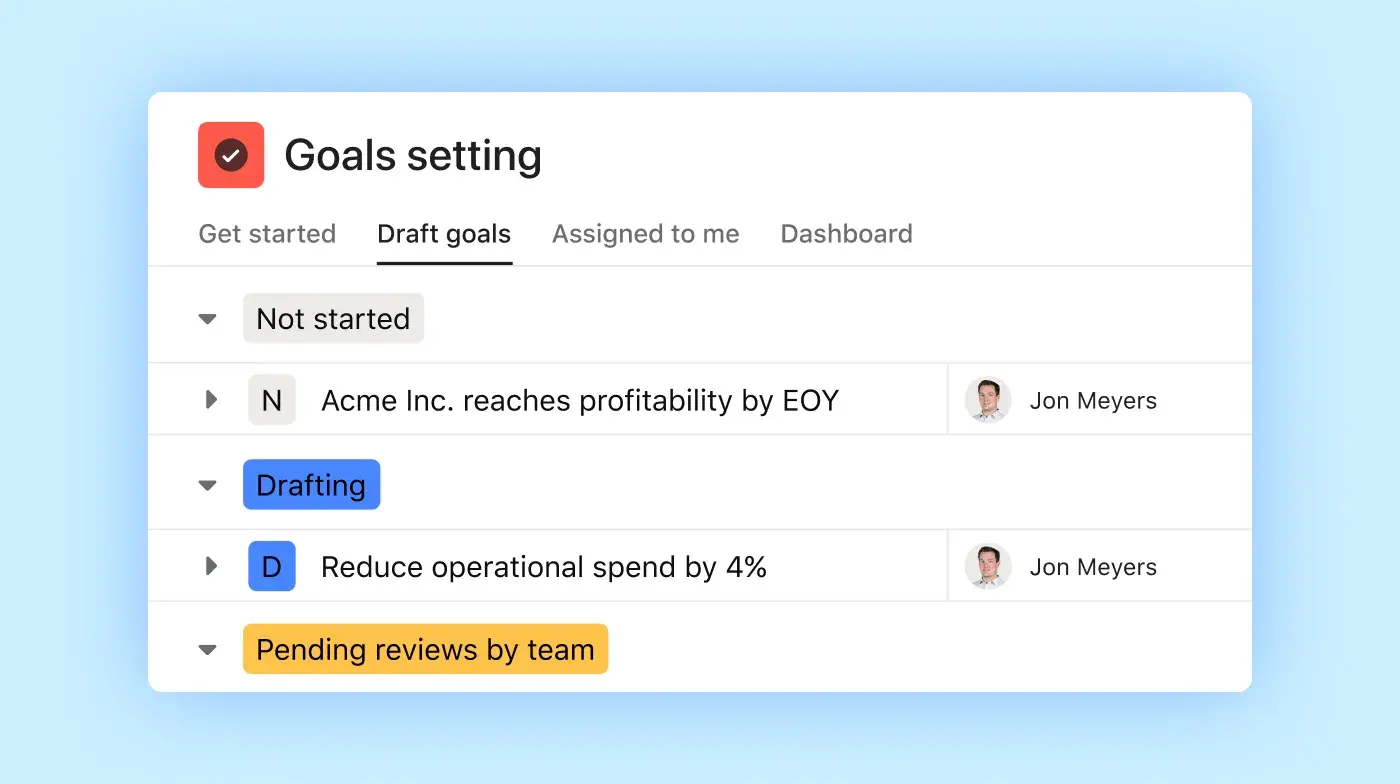
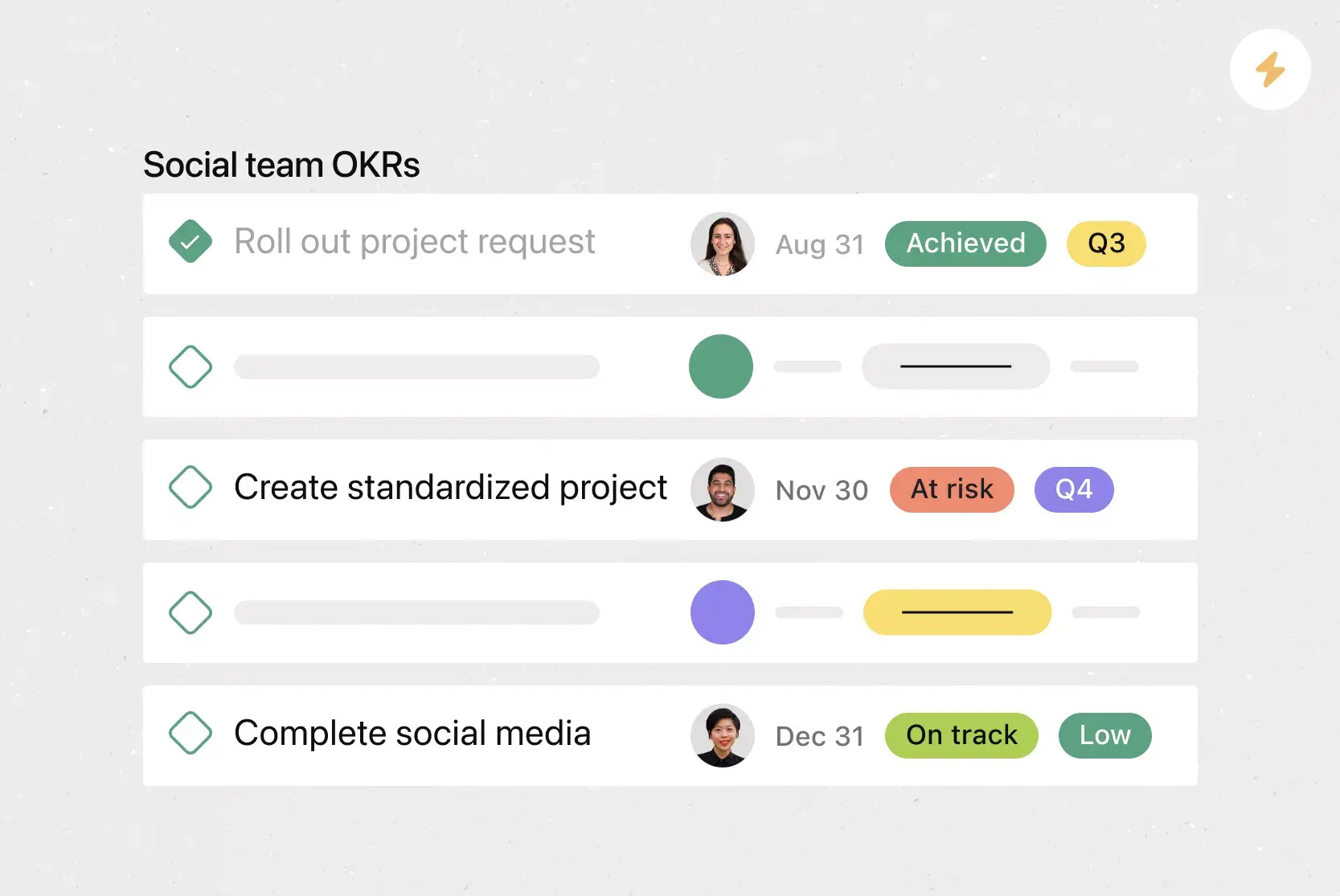
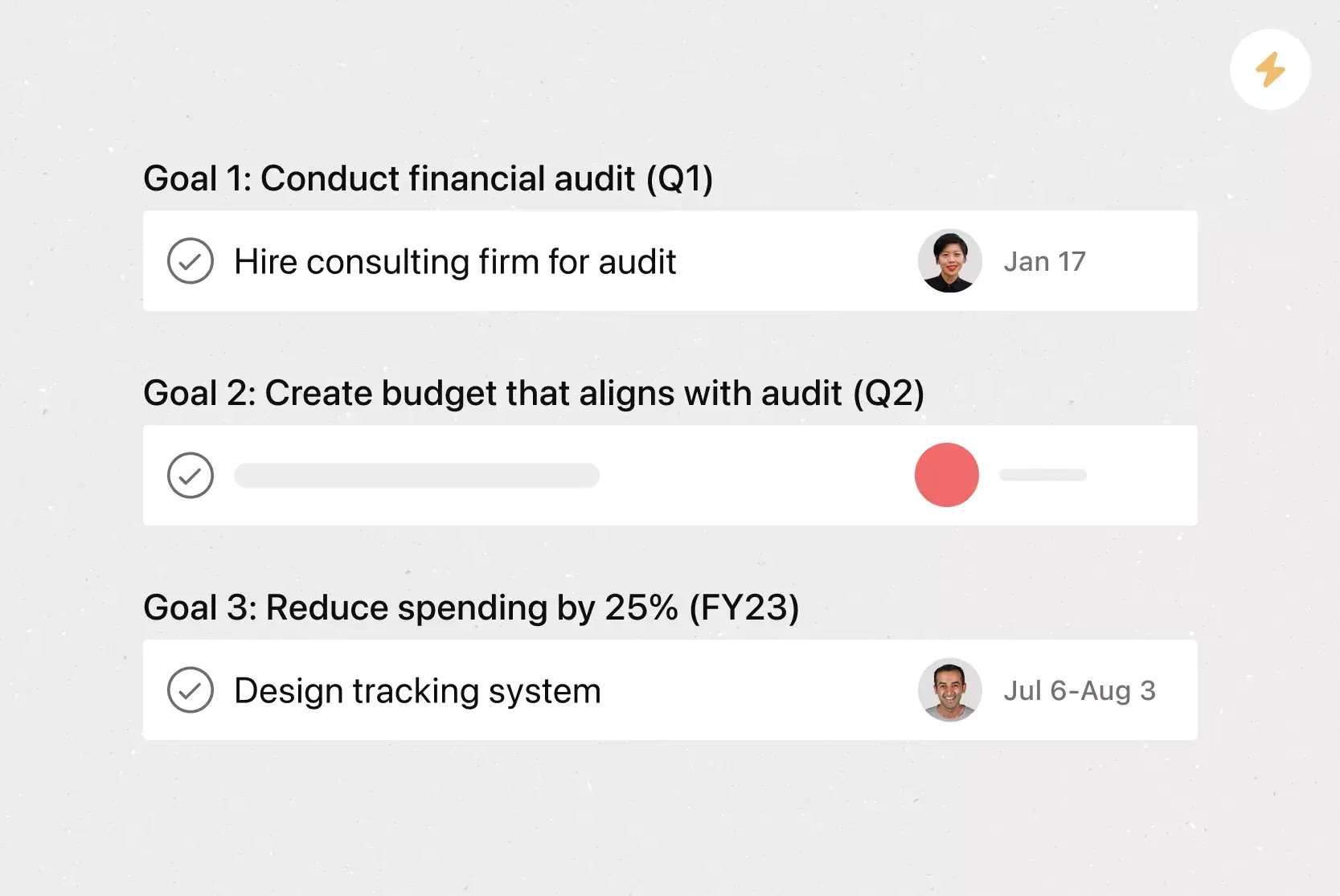
Goals connect high-level objectives directly to the work behind them. This connection helps teams see priorities and adjust effort as plans change.
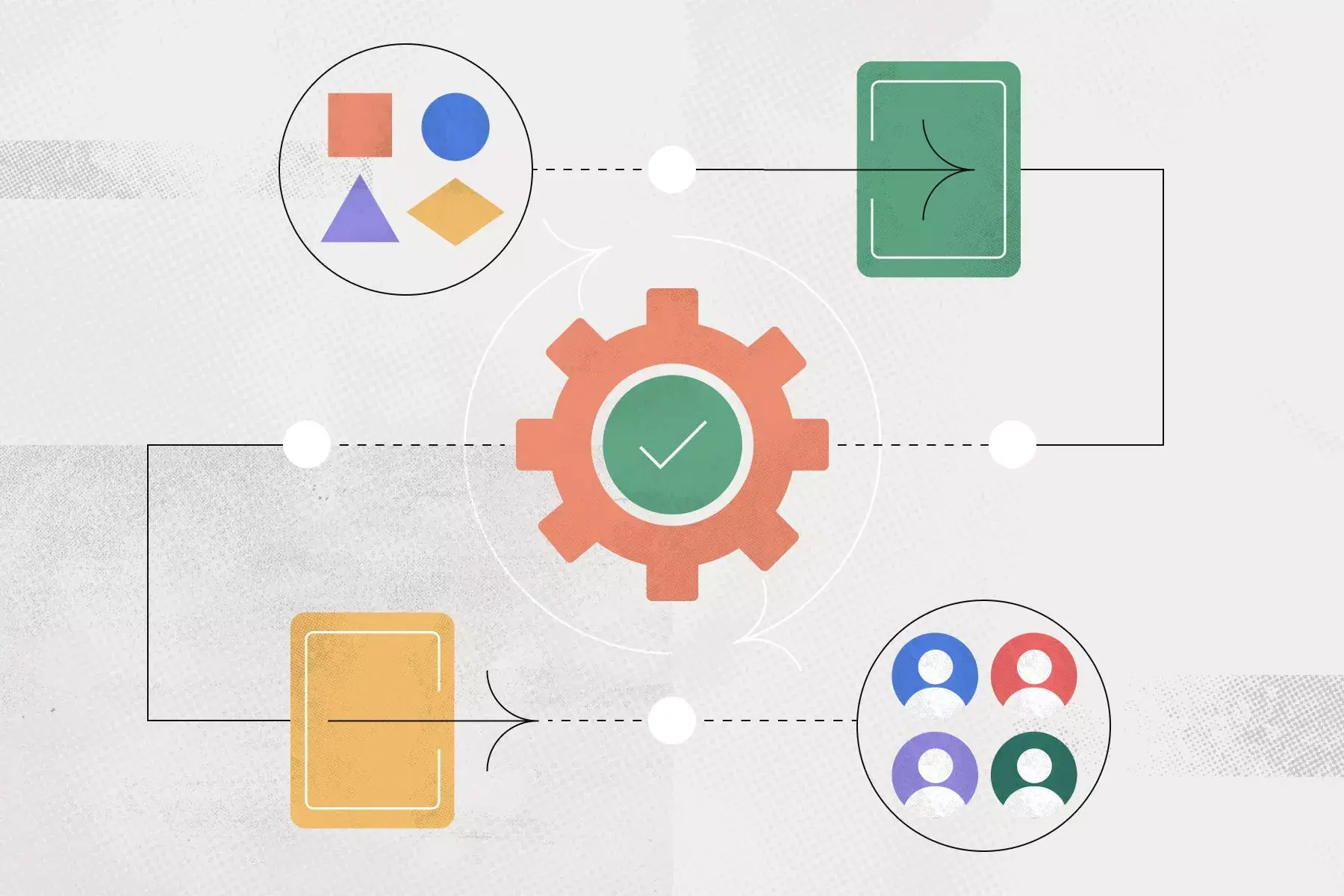
Automation handles routine tasks such as assigning tasks, updating due dates, and notifying stakeholders. Teams use rules to reduce manual steps and keep work moving.
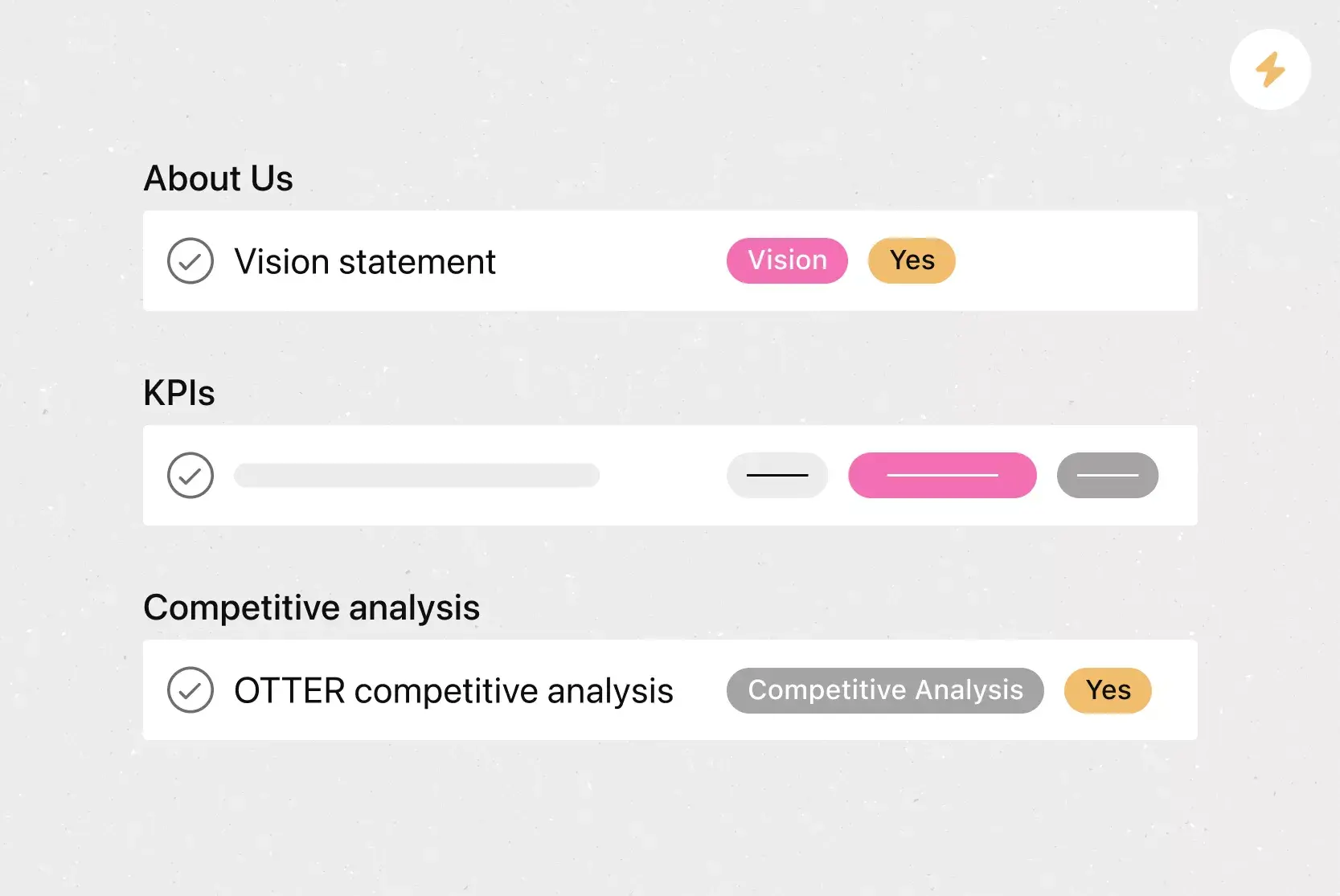
Custom fields let teams tag, sort, and filter work by details like priority, status, or contact information. This customization makes it easier to organize tasks and focus on what matters next.
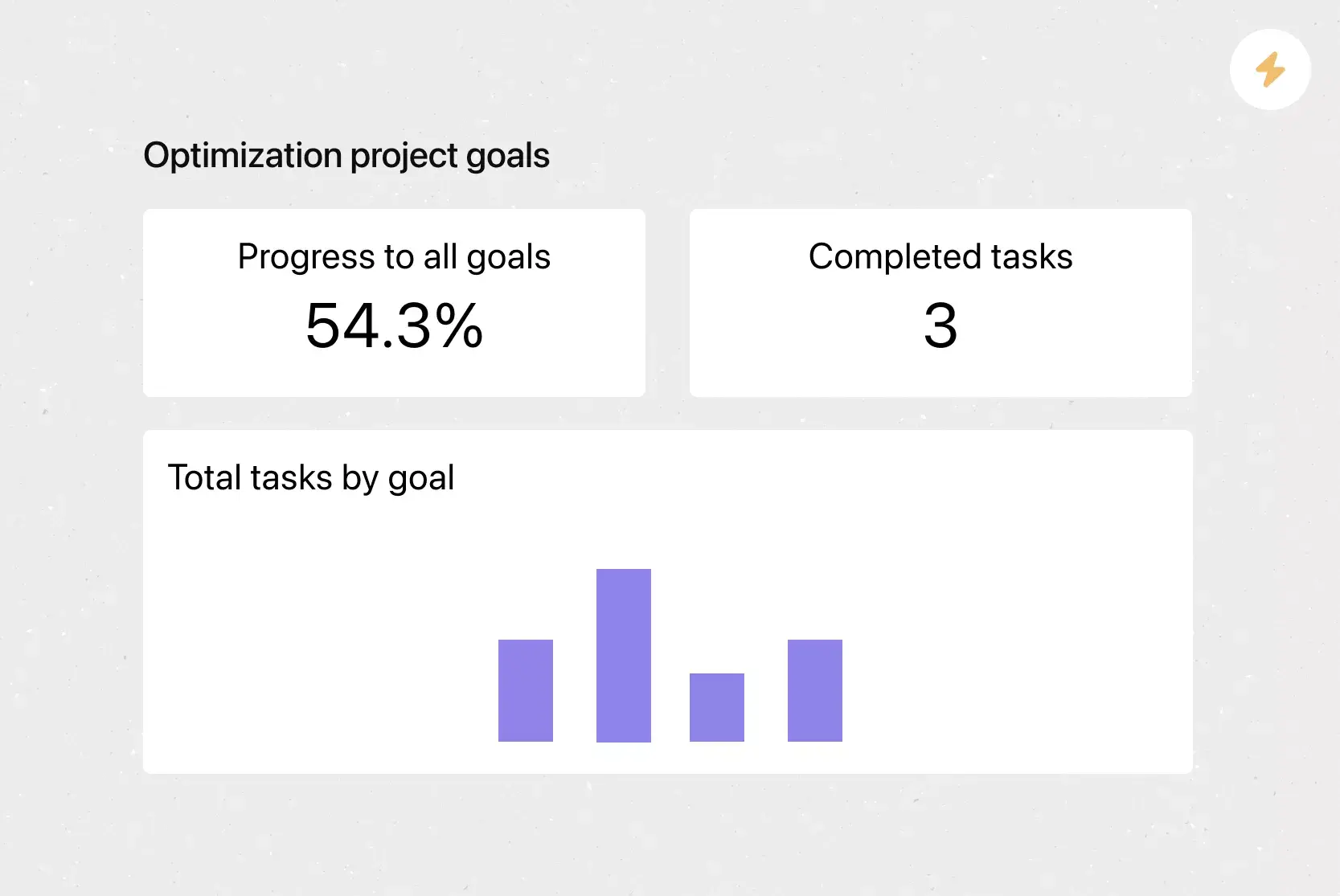
Reporting dashboards provide teams with a visual roadmap of progress, blockers, and key metrics, so managers can review work and spot issues without having to pull separate reports
Recommended apps
Microsoft Teams integrates with Asana, enabling teams to convert conversations into Asana tasks and manage follow-ups during meetings. Teams can create, assign, and review work without leaving Teams.
Salesforce connects sales and service work to Asana so teams track requests, share files, and coordinate handoffs. This setup helps teams respond faster and avoid dropped requests.
Slack messages turn into tasks with owners and due dates, so ideas and requests don’t get lost. Teams capture work directly from chat and track progress in Asana.
Google Workplace lets teams attach Drive files to tasks and collaborate on documents from one place. Teams access files quickly without jumping between tools.
FAQs about cost-benefit analysis
What is cost-benefit analysis, and how does it work?
When should you use a cost-benefit analysis template?
Do I need a cost benefit analysis template?
What is the difference between a risk analysis and a cost benefit analysis?
Related templates





![[Templates] Product Roadmap (Card image)](https://assets.asana.biz/transform/2728edf4-eb35-4dd5-8d03-25ba8cbe5864/TG23-web-thumbnail-028-scrumban-feature-static-2x?io=transform:fill,width:2560&format=webp)


Create templates with Asana
Learn how to create a customizable template in Asana. Get started today.