
Swif.ai + Asana
Automate Asana account provisioning and deprovisioning when employees join or leave your organization with Swif.ai.
What is Swif.ai?
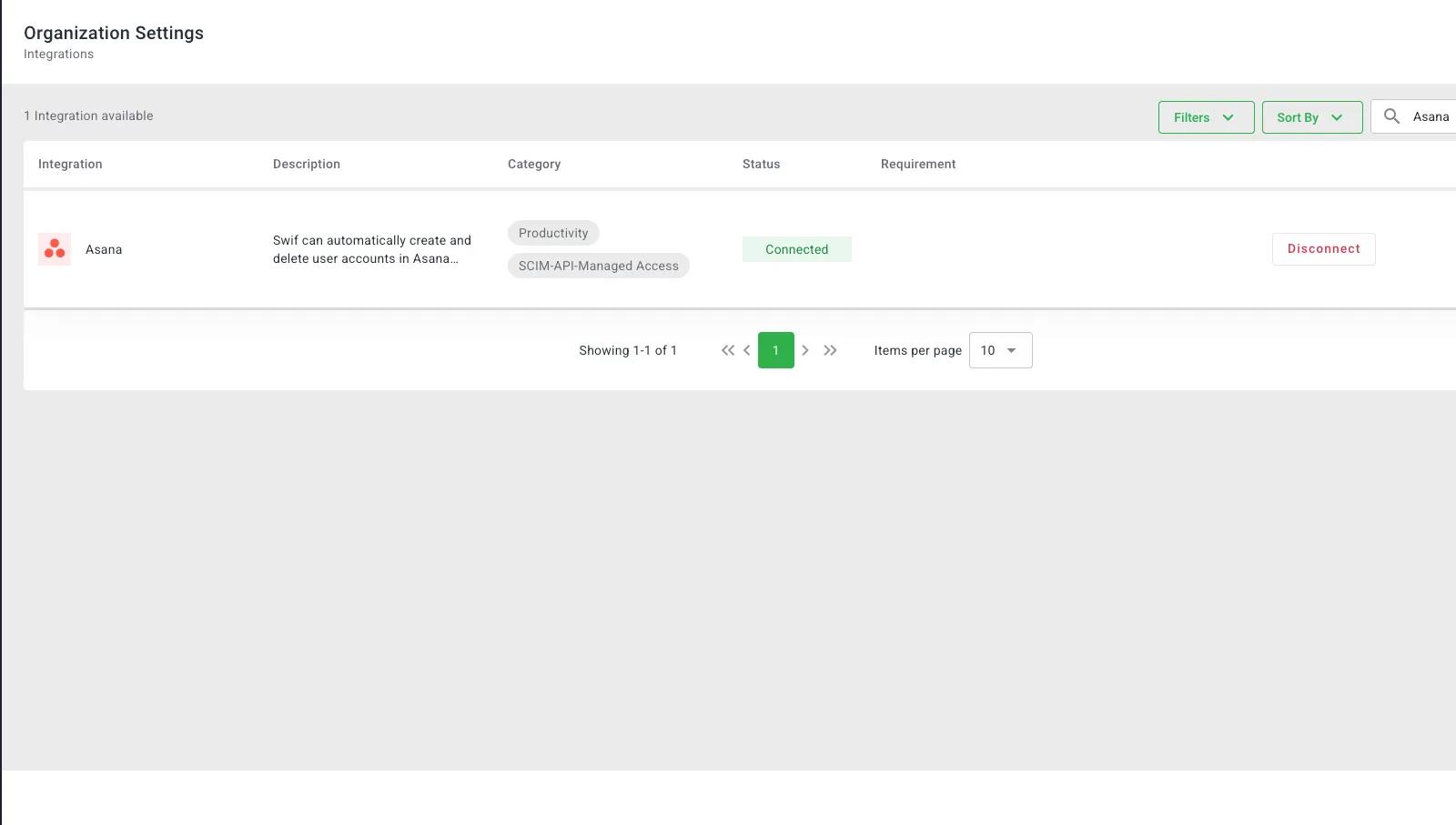
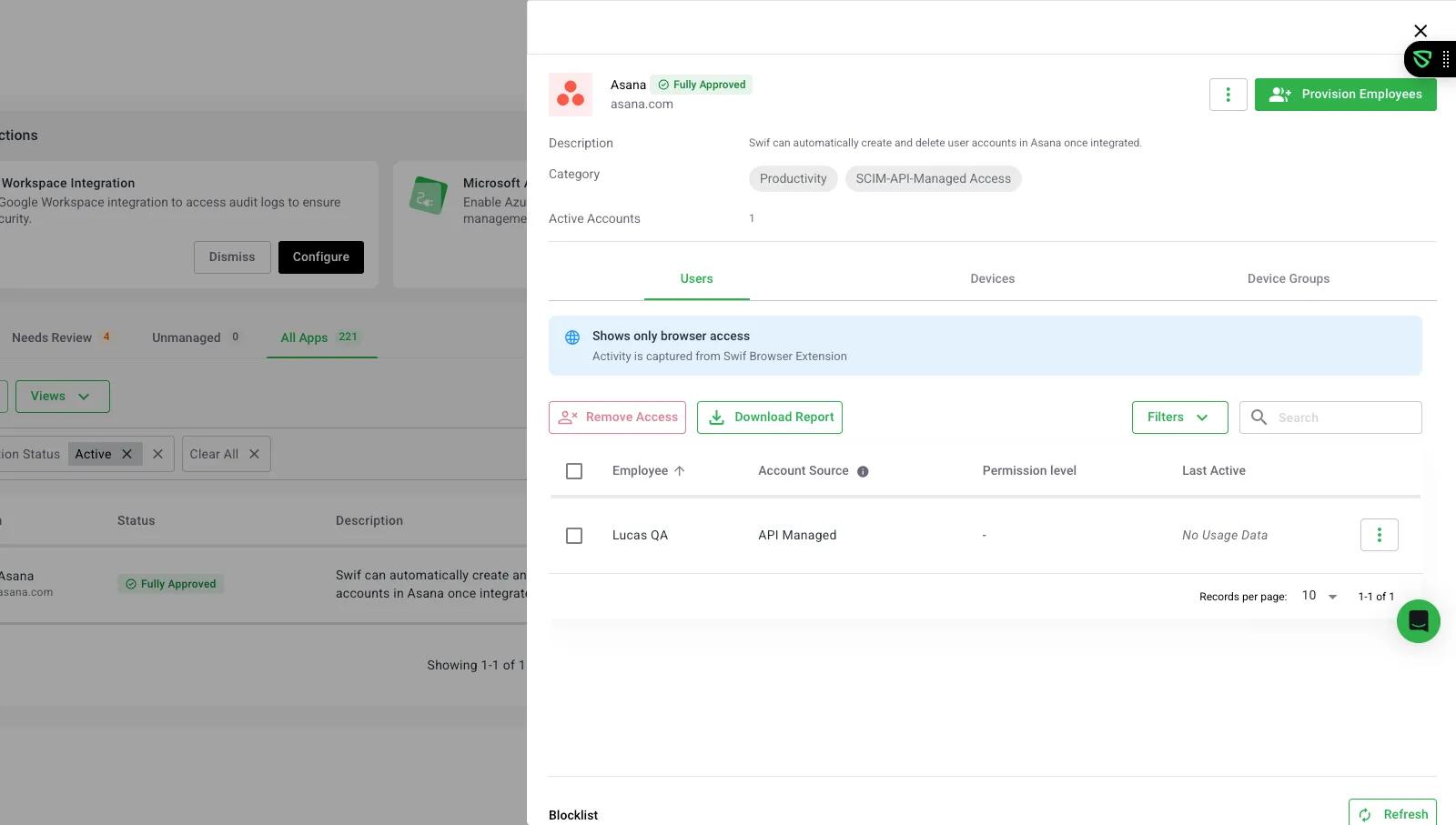
Swif.ai’s Asana integration simplifies account management as part of our broader Shadow IT and access control solution. By automating Asana user provisioning and deprovisioning, Swif.ai improves security, reduces manual workload and helps maintain compliance across your organization. With this integration, you can:
- Automatically create Asana accounts for new hires so they have immediate access to their tools.
- Instantly remove or suspend accounts when employees leave, protecting your company data.
- Centralize your user management to get full visibility into who has access at any time.
How to connect Swif.ai + Asana?
- Head to the Integrations page or find Asana under Settings > Integrations.
- Click the Asana logo to see the integration details.
- Click "Connect" to start the process.
- Log in on the Asana authorization page (you'll need account permissions for this).
- You'll be redirected back to Swif.ai to finish the connection.
Learn more and get support
To learn more about using the Swif.ai + Asana integration, visit Swif.ai.
If you have questions, feedback, or need support, visit the Swif.ai support page.
Asana does not endorse or certify apps built by third-party developers. If you encounter inappropriate content or behavior, please report it here. Otherwise, please contact the app developer for support.
Collaborate effortlessly with Asana
From the small stuff to the big picture, Asana organizes work so teams know what to do, why it matters, and how to get it done. It's free to get started, simple to use, and powerful enough to run your entire business. Learn more about Asana today.