Customer feedback template
Use our free customer feedback template to measure customer satisfaction, organize insights by priority and sentiment, and turn them into actionable next steps.
Use templateSign up to use this template.
INTEGRATED FEATURES
Recommended apps



Summary
Listening to feedback is one of the most valuable ways you can connect with your customers. But when customer feedback comes in across different channels, it can be hard to make sense of it all.
Our template helps your team bring all feedback together in one place, making it easier to understand and prioritize what your customers want. In this article, you'll find out what a customer feedback template is, the types of surveys you can use, tips for designing your forms, and how to turn feedback into action with Asana.
![[Product UI] Customer feedback project example (Boards)](https://assets.asana.biz/transform/342deb49-c131-404d-aec3-46998e5d9502/inline-boards-customer-feedback-2x?io=transform:fill,width:2560&format=webp)
What is a customer feedback template?
A customer feedback template is a ready-made tool that helps your team collect, organize, and act on feedback from every channel in one spot. Instead of managing feedback from support tickets, surveys, social media, and email separately, you can sort it by theme, sentiment, and priority. This way, it's easier to see what customers want and decide what to do next.
Our customer feedback template is customizable, so you can adjust it to fit your team's specific requirements. Instead of starting from scratch, you can use our template as a jumping-off point to craft your ideal customer feedback workflow.
Get free customer feedback templateTypes of customer feedback surveys
Before setting up your feedback template, it's useful to know the different types of surveys you can use to gather customer insights. Each survey type has its own purpose, and many teams use a mix to get a complete view of the customer experience.
Net promoter score (NPS) surveys
Net promoter score (NPS) surveys measure customer loyalty by asking, "How likely are you to recommend us to a friend or colleague?" People answer on a scale from 0 to 10 and are grouped as promoters (9–10), passives (7–8), or detractors (0–6). Since NPS surveys are short, they often yield high response rates, making them ideal for tracking long-term sentiment and spotting trends.
Customer satisfaction (CSAT) surveys
Customer satisfaction (CSAT) surveys show how happy a customer is with a specific interaction, purchase, or experience. They usually use a rating scale, such as 1 to 5, or words like "very unsatisfied" to "very satisfied." CSAT surveys are most useful right after a support call, product delivery, or onboarding, giving you quick and useful feedback about each step.
Customer effort score (CES) surveys
Customer effort score (CES) surveys ask customers how easy it was to complete a specific task, like resolving a support issue or placing an order. The easier the experience, the more likely customers are to return. CES surveys are especially useful for identifying friction points in your processes, so your team can simplify and improve the customer journey.
Feature request and bug report forms
Feature request and bug report forms let customers share ideas or report problems directly with your product. Unlike satisfaction surveys, these forms gather detailed feedback that goes straight into your product planning. Adding categories, priority levels, and description prompts helps your team sort and prioritize requests more easily.
Benefits of a digital customer feedback template
Customer feedback is only useful if you act on it. A digital template goes beyond tracking by helping you incorporate feedback directly into your product development process.
By tracking customer feedback in a work management platform, you can:
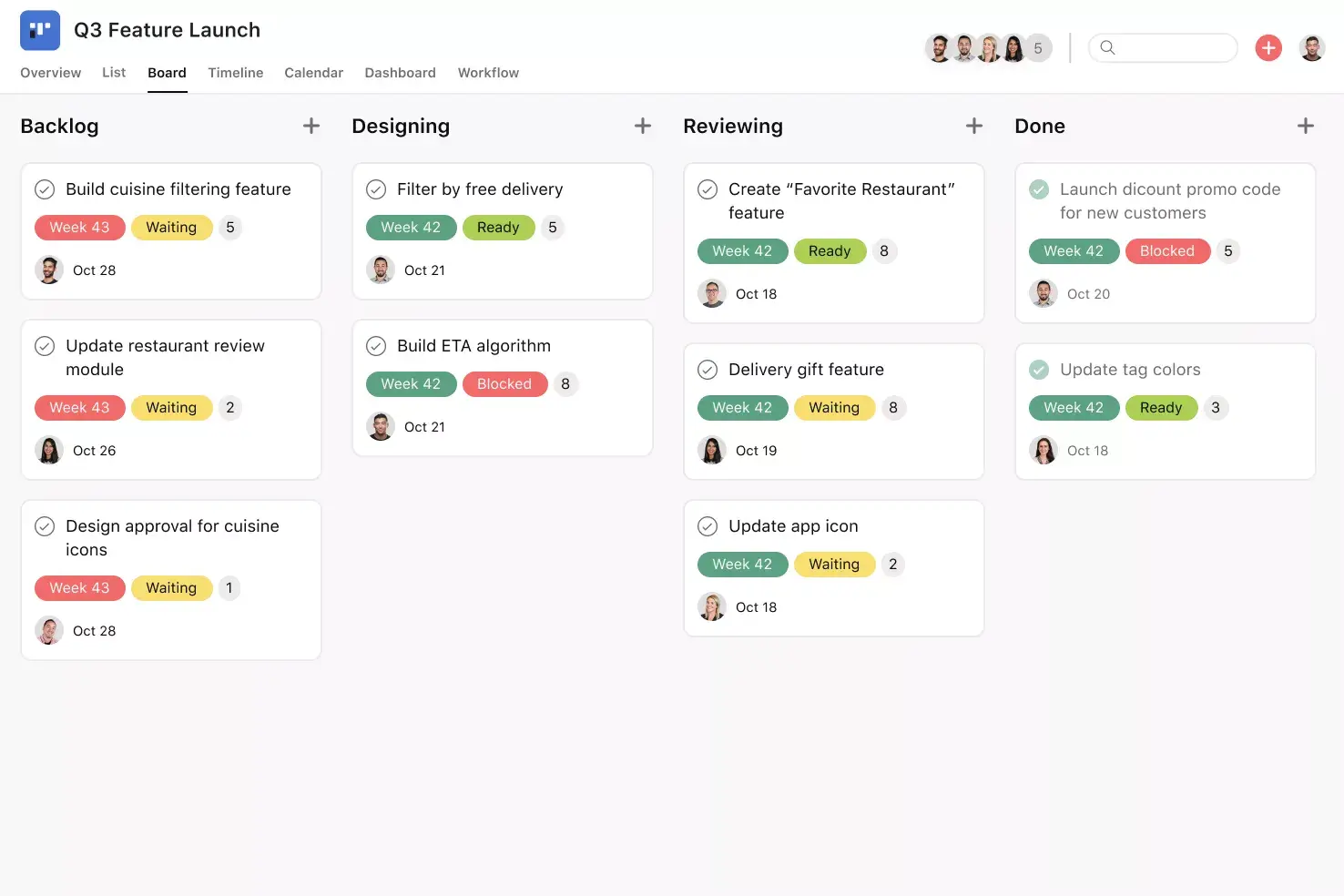
See a bird's-eye view of all customer feedback in one place, including how your team plans to take action on each feedback item.
Document all customer feedback in one place, then keep track as your team prioritizes and addresses different feedback items.
Use color-coded custom tags to track key information like priority level, customer sentiment, and feedback type.
Set up automations to seamlessly move feedback items to different template sections as your team takes action.
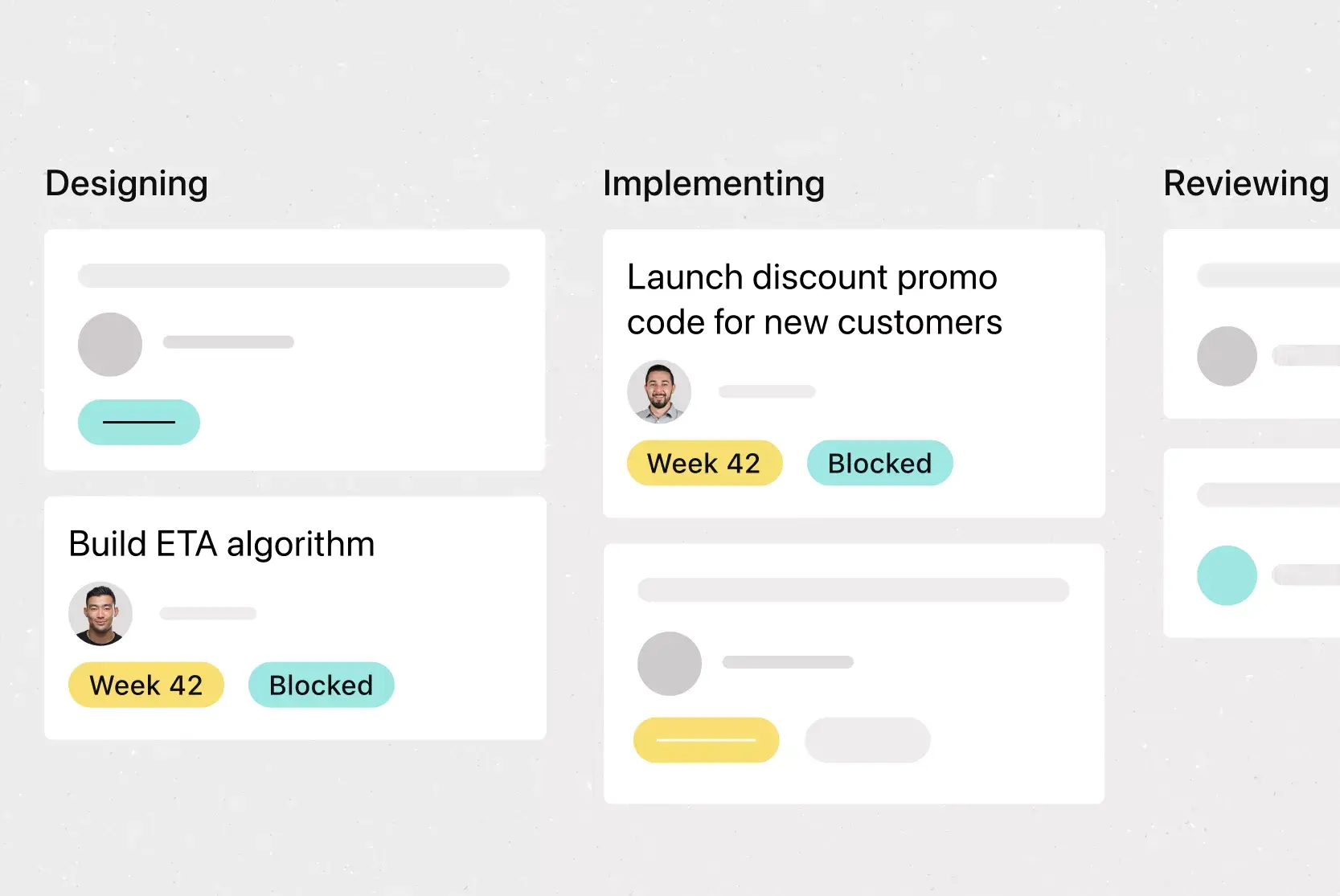
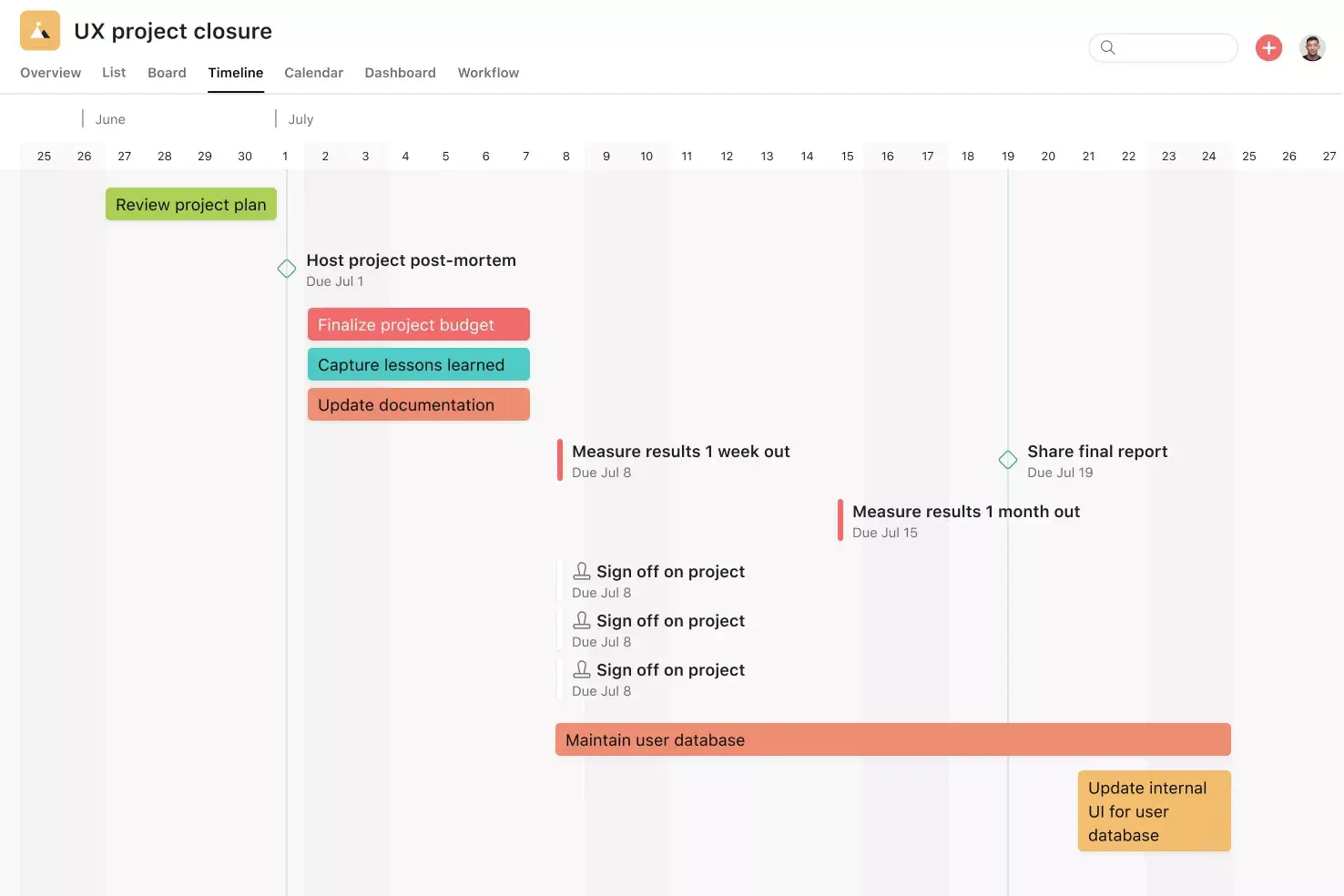
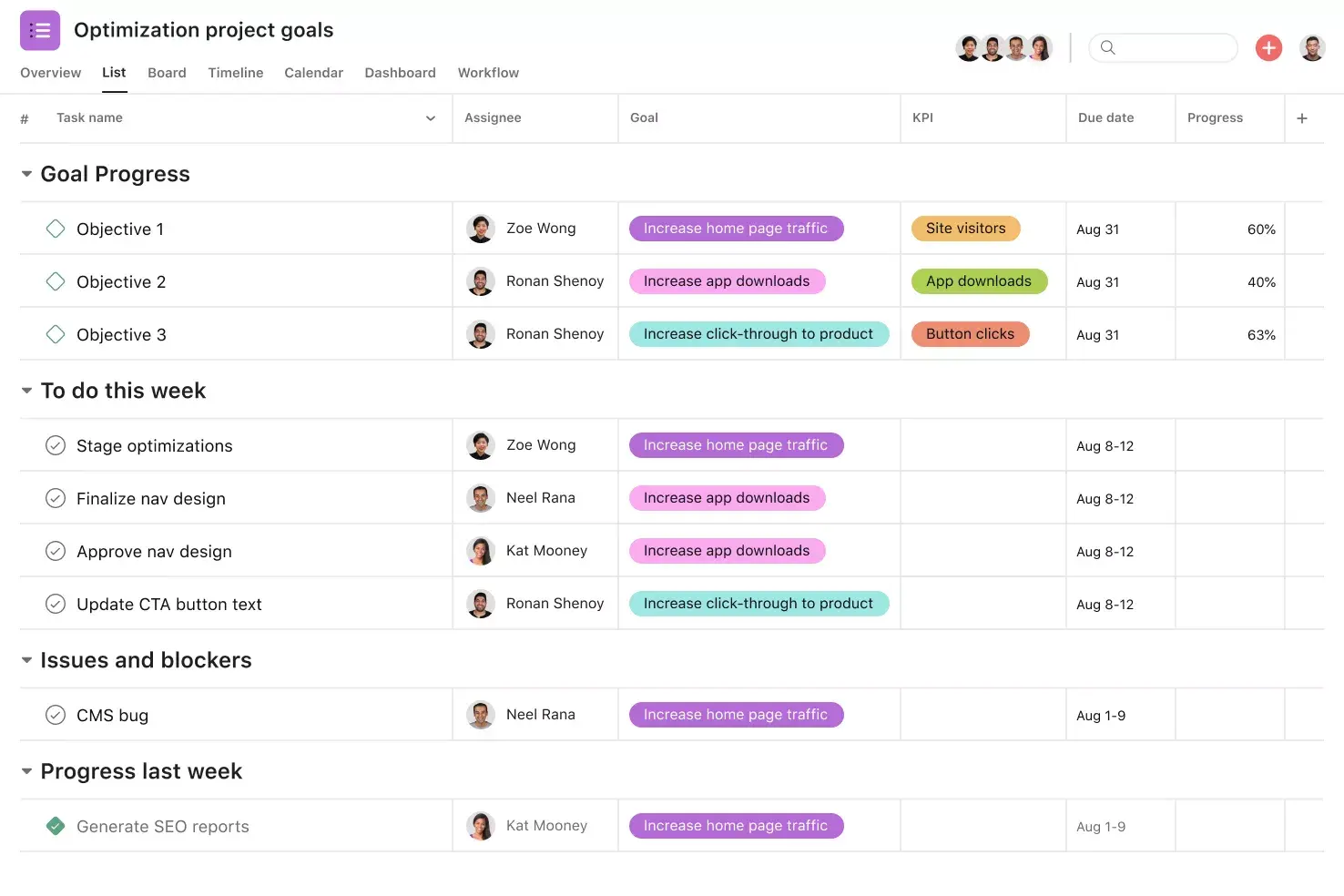
Visualize your template in different ways, as a standard list, Kanban board, timeline, or calendar.
Attach relevant documents and files to tasks, such as screenshots or customer chat transcripts.
Best practices for designing your feedback form
A well-designed feedback form gets more responses and better data. Keep these best practices in mind when building your forms to collect feedback that's easy to understand and act on.
Keep forms short and focused. Customers are busy, and long surveys lead to drop-off. Limit your form to the questions that matter most, and aim for a completion time of two minutes or less.
Use a mix of rating scales and open-ended questions. Rating scales (like 1–5) make it easy to spot trends and make data-driven decisions over time. Add one or two open-ended questions to capture context and detail that numbers alone can't provide.
Time your surveys strategically. Send feedback requests when the experience is still fresh, such as right after a support interaction or a product purchase. Timing affects both response rates and the quality of the feedback you receive.
Avoid leading or biased questions. Neutral phrasing gives you more honest, useful responses. Instead of asking "How much did you love our new feature?" try "How would you rate your experience with our new feature?"
Brand your forms for credibility. Customers are more likely to respond when a form looks professional and clearly comes from your company. Use your brand colors, logo, and a clear subject line so recipients know the form is legitimate.
How to use our customer feedback template
As you use our template and set up your ideal feedback workflow, keep these best practices in mind:
Collect the same details every time. Trying to understand feedback trends and themes is difficult if you don't have the same information for every piece of feedback. Use custom fields or a form to ensure you're tracking the same information on each piece of feedback.
Connect tools to send feedback to one place. Whether your customer sends an email or fills out a form, make sure you can connect it to your work management platform, like Asana, so it all lands in the same place.
Quickly turn ideas into action. Your customers are always spotting bugs and coming up with helpful ideas, so why not turn them into action items for your team to tackle?
Show "must-do's" vs. "to-do's". While it's important to acknowledge all feedback, product teams need to prioritize which feedback will make it on the roadmap. Use custom fields to help your product team decide what they should take action on first.
Integrated features
Forms. When someone fills out a form, it shows up as a new task in your Asana project, so no feedback falls through the cracks. Create a standardized set of questions everyone answers, or use branching logic to tailor questions based on previous responses.
Custom fields. Create unique fields to tag, sort, and filter work by any information you need, from priority and status to feedback type. Share fields across tasks and projects to keep everything consistent across your organization.
Reporting. Reporting in Asana translates project data into visual charts and digestible graphs. Pull data from any project or team to get an accurate picture of what's happening in one place.
Automation. Set up rules based on triggers and actions, such as automatically assigning work, adjusting due dates, or notifying stakeholders when feedback moves to a new stage. This frees your team from busywork so they can focus on strategic work.
Recommended apps
ServiceNow. Automate task creation in Asana from ServiceNow tickets, giving both platforms real-time visibility into status and context. This makes it easy for service teams to track actions that extend beyond ServiceNow, like fulfilling hardware requests or responding to payroll questions.
Zendesk. With the Zendesk integration, users can quickly create Asana tasks directly from Zendesk tickets. Add context, attach files, and link existing tasks to track work needed to close out the ticket.
Hubspot. Create Asana tasks automatically using HubSpot Workflows. This integration enables you to seamlessly hand off work between teams, for example, when deals or tickets close in HubSpot.
Turn customer feedback into action with Asana
Collecting customer feedback is only the first step. With our free customer feedback template, you can bring all your feedback into one place, connect it to the right teams, and turn insights into an action plan for improvement.
Ready to make your customer feedback more actionable? Get started with Asana today.
Get free customer feedback templateFAQs about customer feedback templates
What's the best way to gather feedback from customers?
How can I consolidate and track customer feedback from different sources?
How can I share customer feedback across different teams?
What is the 5-point customer satisfaction scale?
What questions should I include in a customer feedback form?
Related templates

![[Template] Product Marketing Launch (Card image)](https://assets.asana.biz/transform/bca7f45c-55c1-4ef4-8046-bb6b59c7981e/TG23-web-thumbnail-025-gantt-chart-static-2x?io=transform:fill,width:2560&format=webp)
![[Templates] Product launch (card image)](https://assets.asana.biz/transform/d0767f76-b214-4852-9055-85259f5dcd32/Template_ProdLaunch_Thumb?io=transform:fill,width:2560&format=webp)
![[User Research Sessions] template banner Card Image](https://assets.asana.biz/transform/f9fa4005-1bcf-43d0-b78a-55f8f84c3569/TG23-web-thumbnail-026-kickoff-meeting-static-2x?io=transform:fill,width:2560&format=webp)
![[Templates] Usability Testing (Card image)](https://assets.asana.biz/transform/83417d59-585c-4e30-8851-69b7a8a51d9c/TG23-web-thumbnail-034-process-improvement-static-2x-2x?io=transform:fill,width:2560&format=webp)
Power up your template
A template gets you started, but unlocking the power of Asana is what keeps you going.